
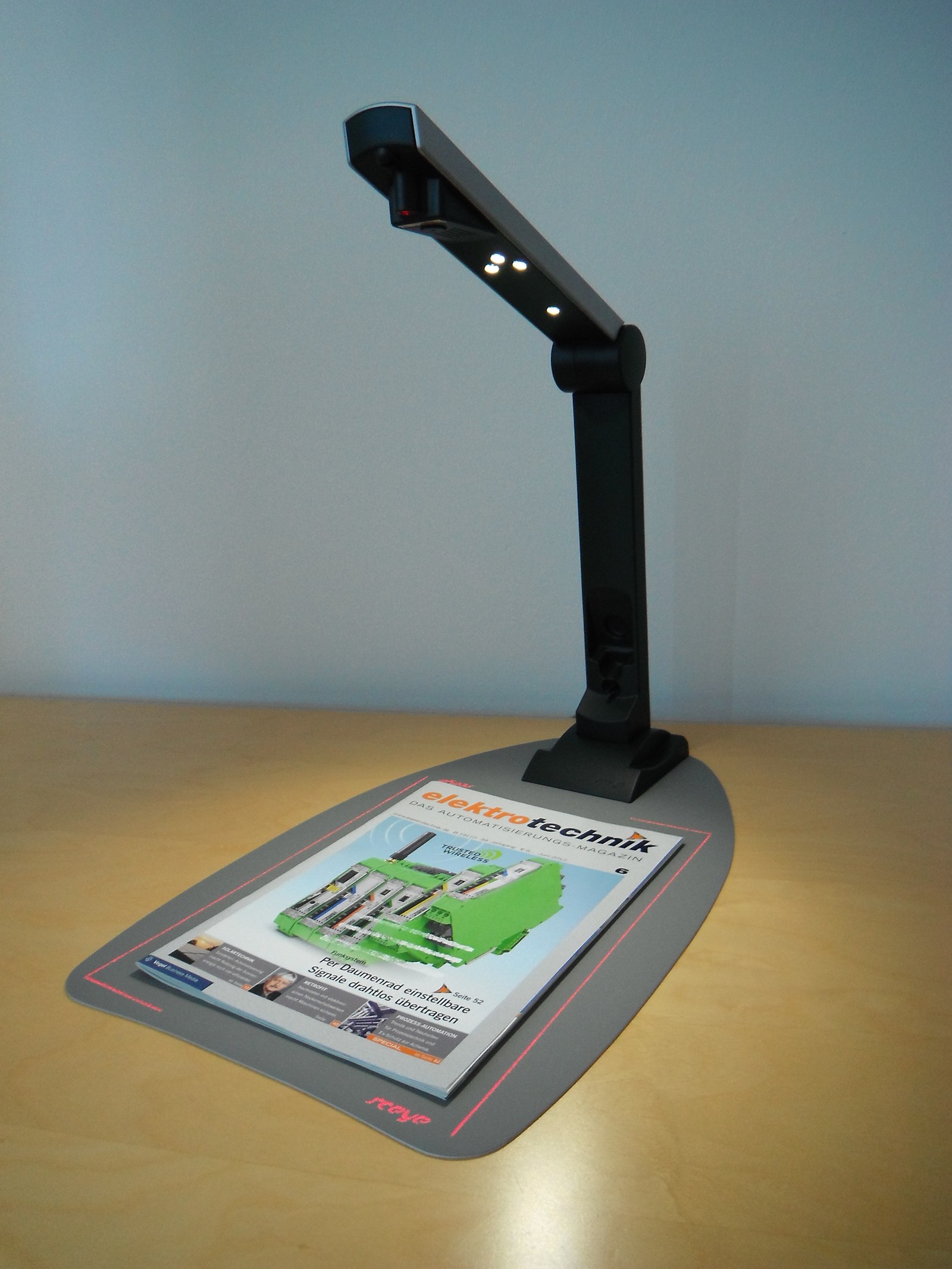
A PDF opening correctly does not prove that your AI tool receives usable content. Scanned pages may be photographs without selectable text. Some systems inspect page images directly. Others depend on extracted text, so the same file can work very differently in two applications.
Start by selecting a sentence and copying it into a plain-text editor. Check the words and reading order. If selection fails, that page probably lacks a usable text layer. Successful copying still does not prove that columns or tables have survived extraction.
OCR makes characters searchable
Optical character recognition identifies letters and numbers in an image and turns them into text. Microsoft's Read model provides one example. OCR can make a scanned document searchable and easier for text-based tools to process.
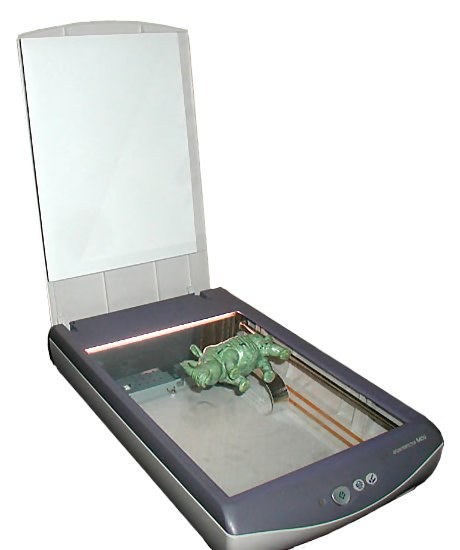
The conversion can lose a minus sign, confuse a zero with a letter or merge columns. Keep the original scan and save a separate OCR copy. Verify a paragraph, a table and an important figure before processing the whole document. The scanner photographs here are illustrations, not tested buying recommendations.
Visual PDF support can make OCR optional
Gemini's document processing uses vision to interpret PDF text, images, tables and charts. Claude also supports visual PDF processing. A compatible application may therefore read a scanned page without a separate OCR step.
A model supporting vision does not ensure that every connector sends page images to it. A tool that only retrieves extracted text may omit an image-only page or chart. Our RAG guide explains how an application selects material for an answer.
Verify one page before trusting the summary
Ask for a transcription of a visible sentence on a specified page, then the column headings of a table. Check both in the PDF. Only then request the full task with page references. Printed page numbers can differ from the viewer's page counter.
If the test fails, try a clear crop or an OCR copy while preserving the original. Do not move confidential files to another service simply to bypass a reading problem. Check access first with our agent-permissions guide.
The conversation starts here
Sign in with a supporter account to comment. Sign in


Nobody has commented yet. Want to go first?