
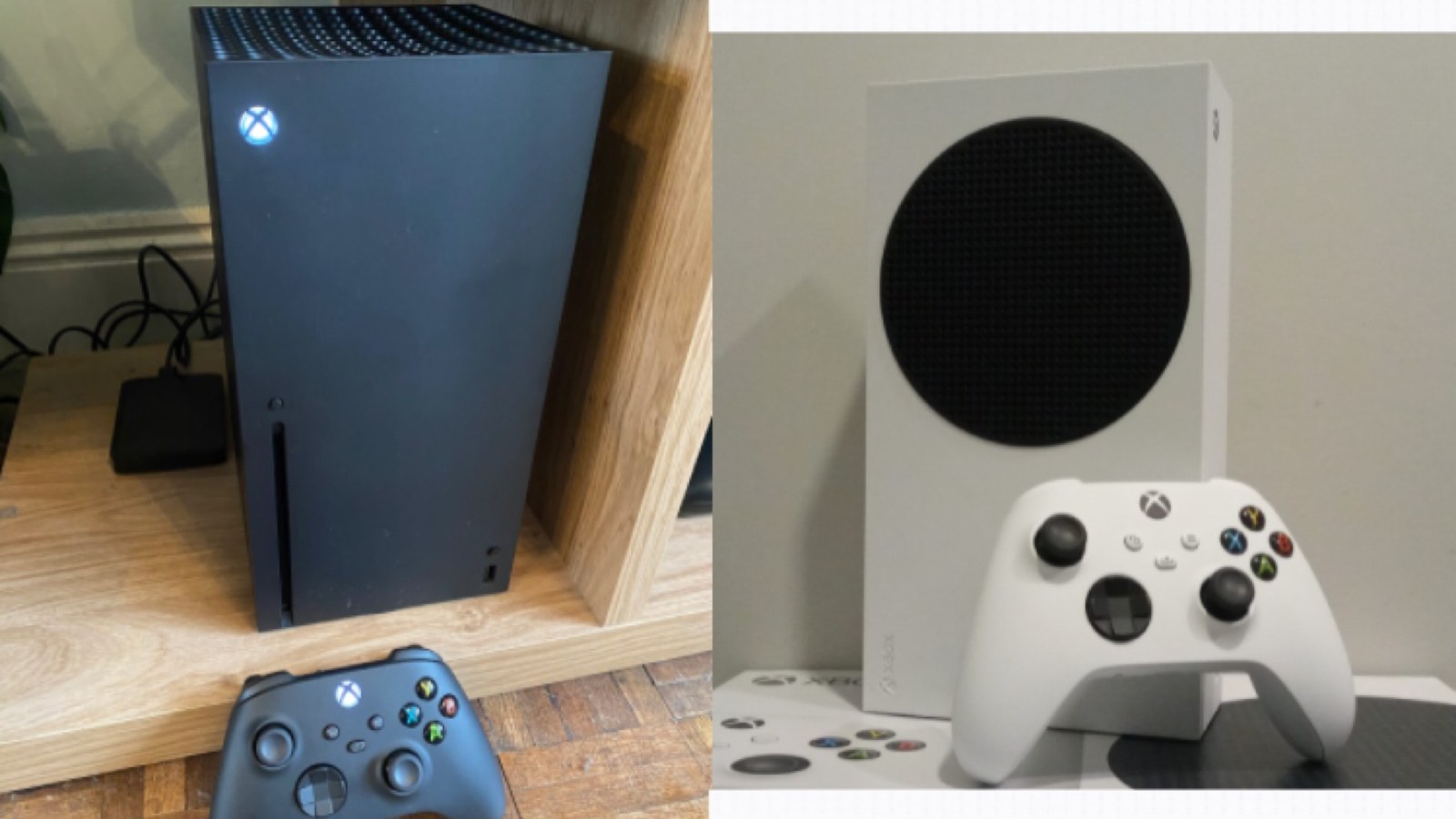
PlayStation Store and Xbox will both refund a digital game within 14 days of purchase, but they judge eligibility differently. Sony refuses once you start downloading or streaming the game. Microsoft looks at how long you have played. Nintendo's US policy calls eShop payments final and non-refundable, which leaves canceling a pre-order at least seven days before release as the usual way to get money back.
The rules below come from each company's own support pages, and Sony's policy adds that local law may give you further rights. Steam works differently, and our Steam refund guide covers its two-hour rule.
- PlayStation Store: 14 days from purchase, as long as the download or stream has not started.
- Xbox and Microsoft Store: usually 14 days from purchase, provided you have not racked up “a significant amount of play time,” which Microsoft does not define.
- Nintendo eShop: pre-orders can be canceled seven days or more before launch. Other digital purchases are final unless Nintendo authorizes a refund or the law requires one.
PlayStation Store rules by purchase type
Sony's PlayStation Store cancellation policy uses the same 14-day window for almost everything, but each type of purchase stops being refundable at a different moment.
- Games and add-ons are refundable within 14 days if you have not started downloading or streaming them. After that, only faulty content qualifies.
- For digital pre-orders paid more than 14 days before release, you can cancel any time before launch. If payment was taken 14 days or less before release, you have 14 days from that charge. A pre-load counts as a download in both cases.
- In-game currency bought from the store, such as V-Bucks, can be canceled within 14 days if you have not launched the game, since that is when it gets delivered. Anything bought during gameplay is final unless faulty.
- Season passes and bundles follow the 14-day rule until you download any item they include.
- PlayStation Plus can be canceled for a refund within 14 days of the first payment, even after using it, minus a pro-rated amount for the time used. Renewal payments already made are not refunded.
- Wallet top-ups cannot be canceled.
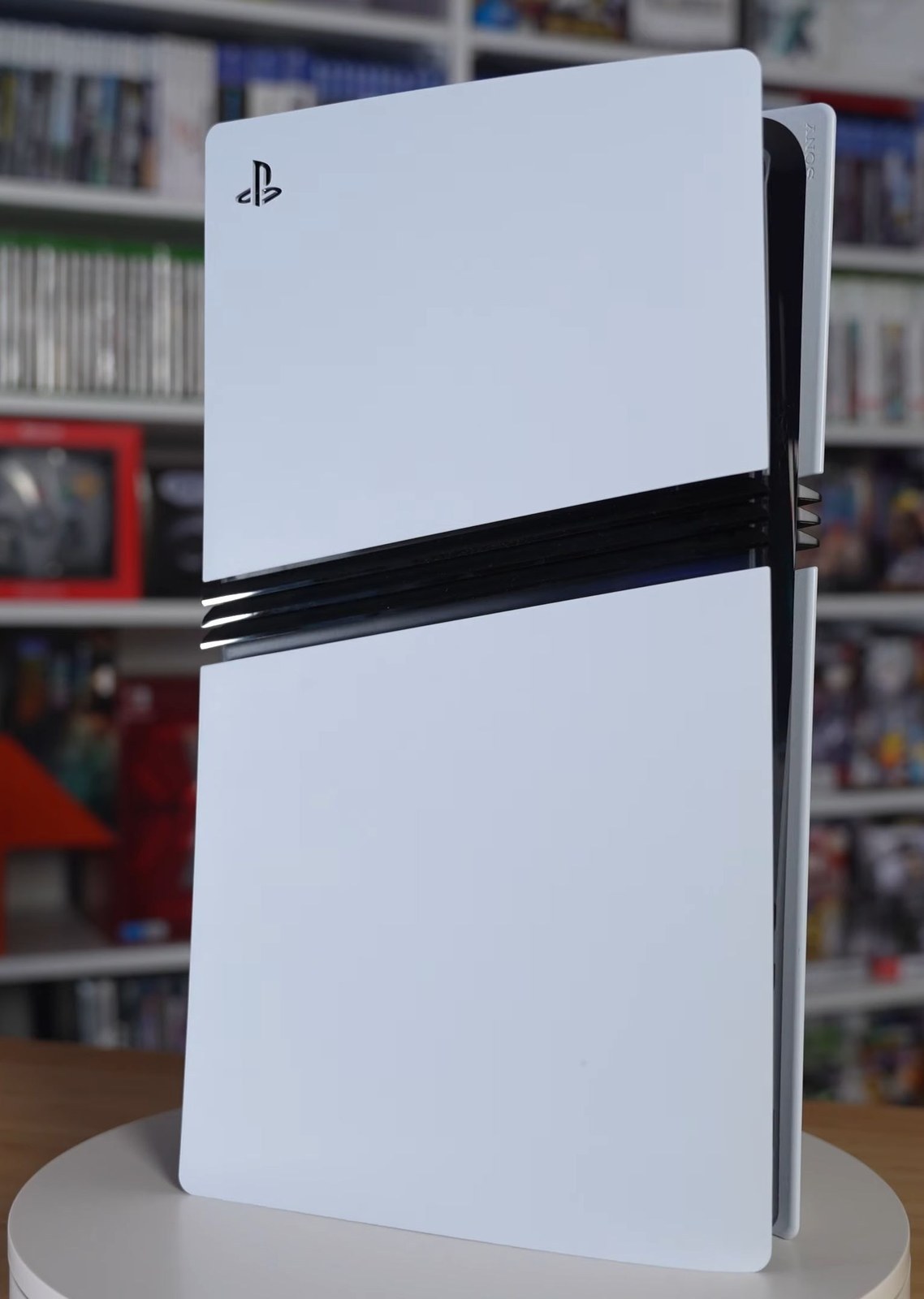
How to request a PlayStation refund
If you pre-order, check your automatic downloads setting first. With it on, your PS5 starts the pre-load by itself, and that download ends your right to cancel. Sony notes you can turn it off in system settings.
Sony's refund request page lays out the process:
- Open your Transaction History and find the purchase.
- Confirm it falls inside the 14-day window and, for games and add-ons, that you have not downloaded or streamed it.
- Select Request Refund and follow the on-screen steps. If that option is missing, contact PlayStation Support or use the online assistant on the support site.
Where the PlayStation money goes
Refunds go back to the original payment method where possible, and to your PlayStation wallet when they cannot. Sony's US page warns that the money may take 30 to 60 days to arrive, so check your wallet balance before assuming it is lost.
If a child made the purchase, the same rules apply. To keep it from happening again, PS5 parental controls let you set a monthly spending limit for each child account.
Nintendo eShop: pre-orders are the exception
Nintendo's digital products refund policy states that payments made through Nintendo Account services are final and non-refundable, except where Nintendo authorizes a refund or the law requires one. In practice, that leaves pre-orders. Nintendo's cancellation guide allows it only when release is seven days or more away:
- On Switch or Switch 2, open Nintendo eShop as the user who placed the pre-order and select your user icon.
- Scroll to Your Pre-Orders and select Cancel next to the game.
- From a browser, sign in at accounts.nintendo.com, open Purchase History and choose View pre-orders.
- If the cancel option fails, contact Nintendo support.
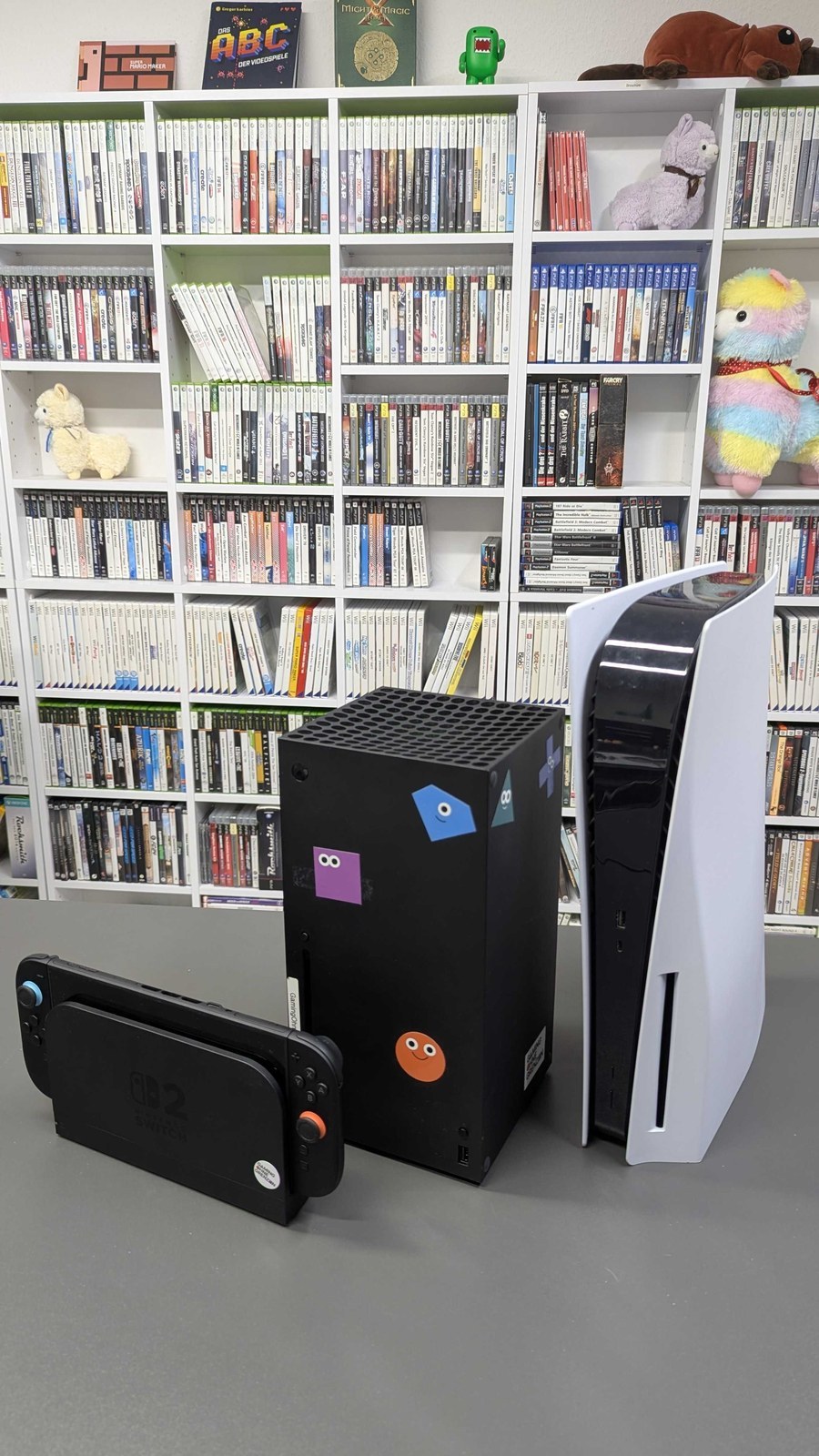
Nintendo Switch Online
Nintendo does not refund or credit the time left on a Nintendo Switch Online membership. To avoid the next charge, turn off auto-renewal at least 48 hours before the membership expires. You keep access until the end of the term you paid for.
Xbox and Microsoft Store: 14 days and limited play time
Microsoft's Xbox refund help page sets no hour limit. These are its conditions for digital games:
- Refunds are typically granted for requests made within 14 days of purchase, provided you have not accumulated a significant amount of play time.
- You can file a request up to 90 days after purchase, though Microsoft says not every request will be accepted.
- Most in-game consumables and virtual currency are not refundable once bought or used.
- Pre-orders can be canceled up to 10 days before launch. After that you may be charged and will need to request a refund.
- Microsoft limits how many refunds, and what kind, each user gets per year.
How to request an Xbox refund
If the game will not start, Microsoft asks you to check the Xbox status page first, because an outage may be the real problem. Then go to xbox.com/refunds, sign in with the account that made the purchase and pick the game from the list.
Once approved, the purchase shows as processing in your Microsoft account and you lose access to the game. That follows from buying a license tied to your account, as we explain in our piece on digital game ownership. The money can take several business days or longer to reach your bank. Microsoft treats refund decisions as final and will not take the same request twice, but you can appeal by replying to the email that delivers the decision.
Game Pass and other Xbox subscriptions follow separate rules on Microsoft's subscription cancellation page. Cancel within 30 days of the first purchase, or before the first recurring charge if that comes sooner, and you get your money back. You can also recover the most recent renewal charge by canceling within 30 days of it, once per account and per subscription. Cancel at account.microsoft.com/services under Manage, or on the console under Profile & system, Settings, Account, Subscriptions. Prepaid codes bought at a retailer follow that retailer's return policy.
The conversation starts here
Sign in with a supporter account to comment. Sign in

Nobody has commented yet. Want to go first?