
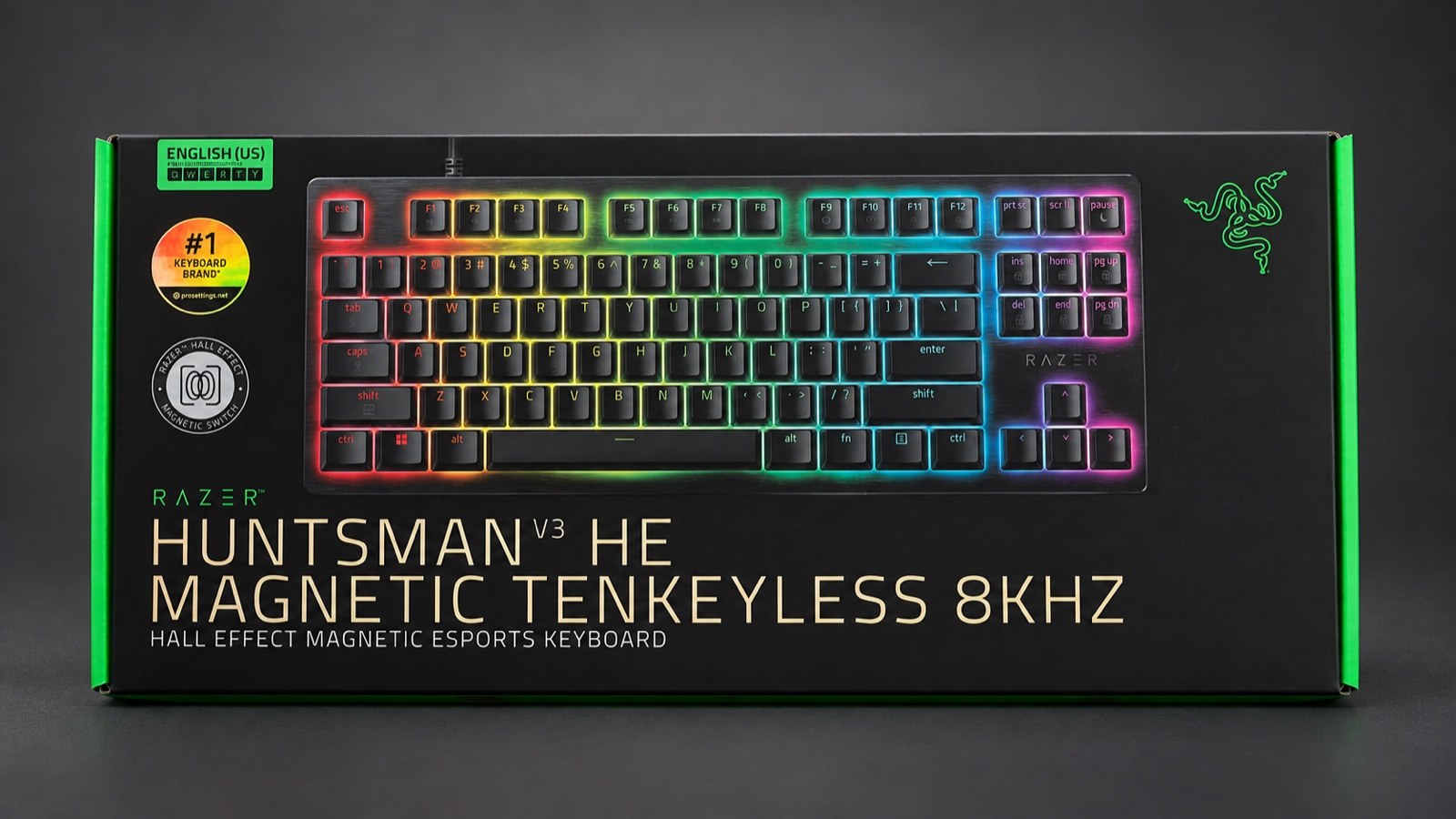
The Razer Huntsman V3 HE TKL made movement feel quicker and more precise in our games. It also registered movement we did not intend when we rested our fingers on WASD. After three weeks, we came away impressed with the keyboard, but getting comfortable involved both changing our habits and adjusting its configuration.
We used the Razer Huntsman V3 HE Magnetic Tenkeyless 8KHz for The Blood of Dawnwalker, 007 First Light, Baldur’s Gate 3 and Call of Duty: Warzone, alongside everyday writing and work. Its build quality, gaming response and configuration software earn it 8.5/10. The strongest reason to buy it is the control it gives you over when a key registers, provided you are willing to spend time finding settings that suit you.
A familiar layout with a satisfying build
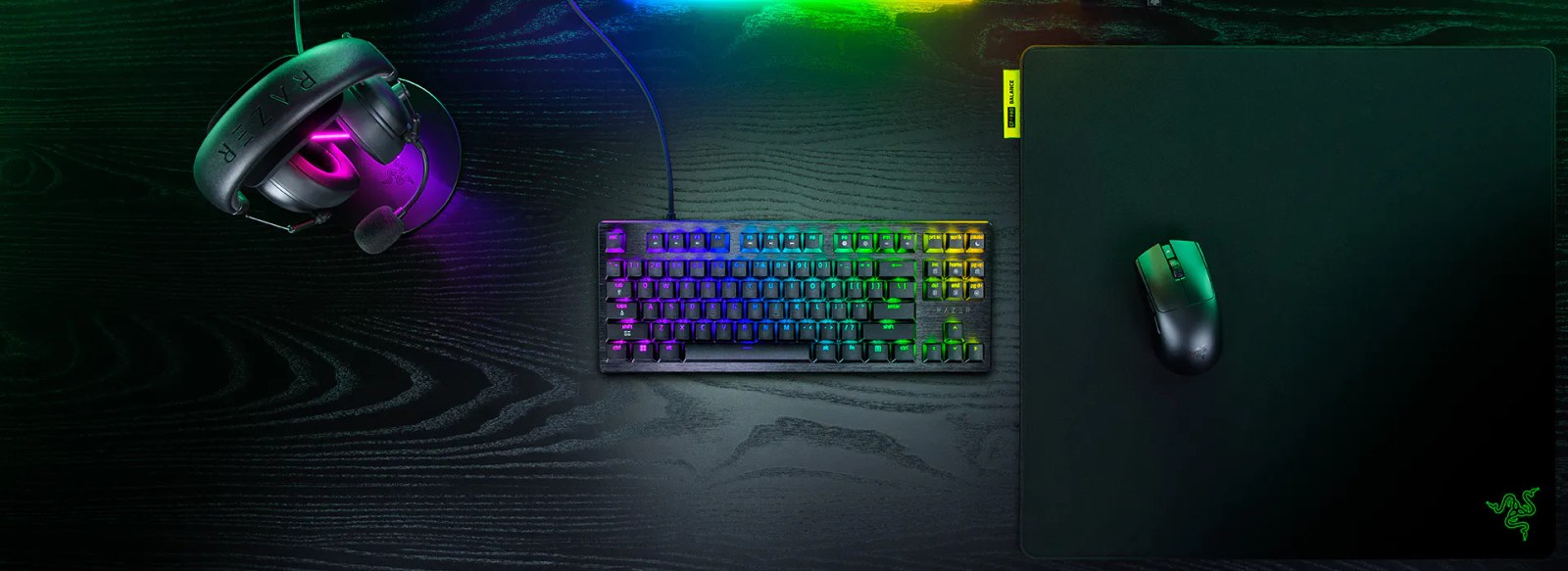
The tenkeyless layout removes the number pad while retaining the arrow keys and function row. That gives the mouse more room without taking away keys we regularly use. We felt comfortable with the layout during games and while writing.
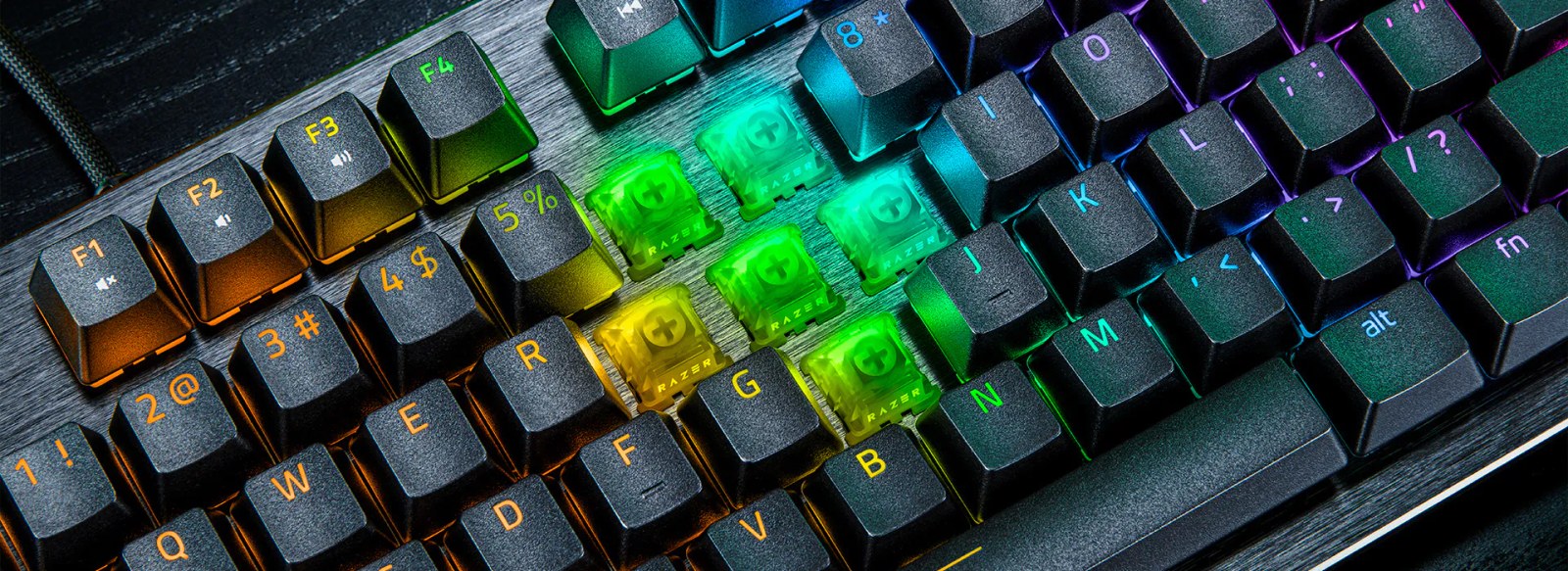
The aluminum top plate and doubleshot PBT keycaps contribute to a firm, well-made feel that lasted beyond our first impressions. We like the design and the texture under our fingers. Per-key RGB lighting allows plenty of customization, although the construction contributes more to our verdict than the lighting effects.
This is a wired keyboard with a detachable USB-C connection at the keyboard. Media controls use secondary key functions. Those choices are worth considering if you want to switch wirelessly between devices or prefer dedicated volume controls.
Our review unit uses the US ANSI layout. We wrote in Spanish without major difficulty, but missed a dedicated ñ key. That observation concerns our sample. Readers buying the US version get the layout we tested, while buyers elsewhere should check which layout their retailer supplies.
Rapid Trigger felt good once we adapted
We left Rapid Trigger enabled to get familiar with it. Movement felt more agile and precise, with a quick response that we particularly enjoyed when repeating actions or changing direction. This is the part of the keyboard that makes the most sense for someone who spends much of their gaming time in competitive titles.
Initially, resting our fingers on WASD could register an input even though we had not meant to press a key. Our character would move left or right without a deliberate command. It happened more often in games, where our fingers stayed poised over WASD, than while writing.
At first we learned to hold our fingers slightly higher, which felt uncomfortable. We ultimately resolved the unintended inputs by changing the configuration and getting used to the new keyboard. Removing movement we had not intended made the experience more comfortable.
Our suggested starting point is a 1 mm actuation point on WASD with Rapid Trigger sensitivity at 0.2 mm. Razer uses that combination in its official Marvel Rivals profile. We think it is a sensible place to start rather than immediately choosing the minimum 0.1 mm actuation. If resting your fingers still causes movement, we would first increase the actuation point to 1.5 mm and try again. For writing, we would use a separate profile at 2 mm with Rapid Trigger disabled. These are our recommended starting settings, rather than a claim that we tested those exact values.
What magnetic switches and 8,000 Hz actually change
Hall Effect switches use magnetic sensors to track how far a key has moved. The Huntsman lets you set its actuation point from 0.1 to 4 mm, defining how far the key must travel before a press registers. Changing that setting alters when the keyboard responds without making the key physically harder to press. Our Hall Effect and mechanical keyboard explainer covers the distinction in more detail.
Rapid Trigger changes what happens as you lift your finger. A conventional key has to return to a fixed reset point before it can register another press. Rapid Trigger can reset the key as it detects upward movement, allowing another press without waiting for that fixed point. Razer explains both adjustments on the product page.
The polling rate of up to 8,000 Hz describes how often the keyboard reports its state to the computer. At that rate, reports are spaced 0.125 milliseconds apart. That interval is not the total delay before an action appears on screen, which also depends on the computer, game and monitor.
Our assessment is based on the sense of control during play. We liked the overall response with Rapid Trigger enabled. We did not isolate the contribution of 8,000 Hz in a latency test, so the polling figure should not be read as a measured explanation for everything we felt.
We also enjoyed using the software. We adjusted the lighting and explored several options, and that part of the experience worked well. The keyboard has onboard storage for up to six profiles. Configuration is a central reason to buy a keyboard like this, so software that is pleasant to use matters well beyond the initial setup.
Comfortable when the game ends
The Huntsman served us well for writing and work. Its keystrokes felt firm and the sound was soft and pleasant, qualities we continued to appreciate over longer sessions.
We used it with the feet raised and without a wrist rest, and experienced no notable discomfort during extended use. A wrist rest is not included, so readers who normally use one will need to supply their own.
We still personally prefer the feel and sound of a conventional mechanical keyboard. This Razer was enjoyable to use, but it did not replace that preference. If you spend as many hours writing as gaming, how each press feels deserves a place in the decision. Our gaming peripherals buying guide starts with what you need from your equipment before deciding what to spend.
Verdict: 8.5/10 for players who want to tune their response
At $139.99 in Razer’s US store, the Huntsman V3 HE Magnetic Tenkeyless 8KHz offers convincing construction, a design we like and a gaming response we enjoyed. It also works comfortably as an everyday keyboard, while the software makes its extensive customization options approachable.
We would recommend it primarily to competitive players who want to control when each key activates and resets. Unintended inputs were our main reservation, and we resolved them by changing the configuration and adapting to the keyboard. Someone who mainly values the feel of a traditional mechanical keyboard, or wants to avoid spending time on settings, may have fewer reasons to switch.
Review conducted using a unit temporarily loaned by Razer.
The conversation starts here
Sign in with a supporter account to comment. Sign in


Nobody has commented yet. Want to go first?