
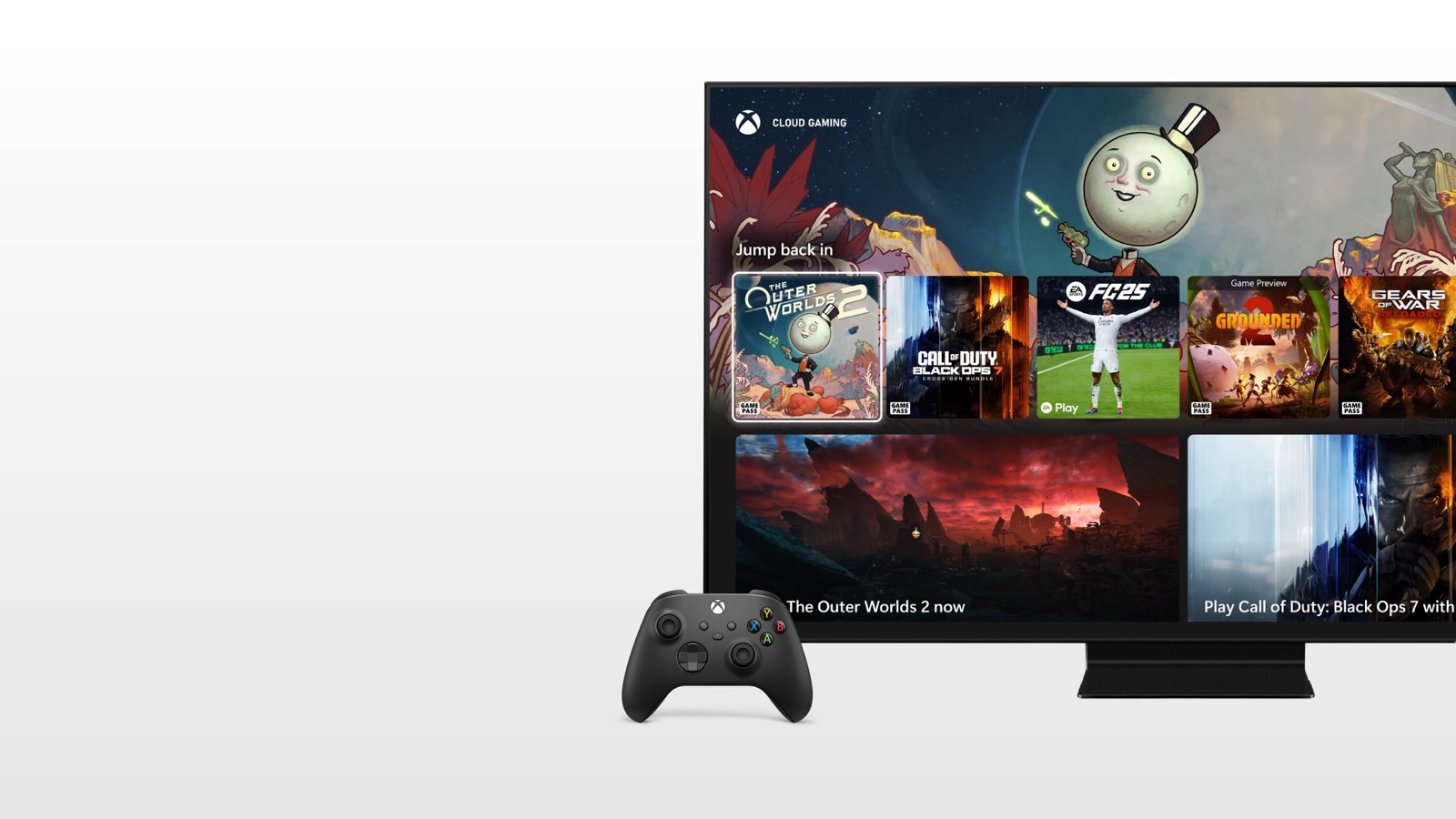
Check the television first
Playing Xbox without a console means a remote server runs the game and sends video to your screen. The smart TV opens the app, receives the stream and returns controller input. Exact model support matters more than a 4K badge or a powerful television processor.
Xbox maintains a list of supported families: selected Samsung TVs from 2020, LG models on webOS 24 or later, specific Fire TV devices and hardware running VIDAA OS 9.6. Availability varies by market and model year.
Selected TCL televisions will also receive the app, but no public model list exists yet. Our report on Xbox for TCL TVs separates confirmed requirements from assumptions.
A supported Fire TV device connected over HDMI may be cheaper than replacing an unsupported screen. Regional availability still applies.
Controller, account and connection
You need an Xbox account and a supported Bluetooth controller. Depending on the platform, Xbox lists its own pads alongside DualSense, DualShock 4, Xbox Adaptive Controller and Elite Series 2. Pair the controller in the television’s Bluetooth settings before opening the app.
Sign in, choose a cloud-enabled game and check the hours included with your plan. Most games require Game Pass, with limited free-to-play exceptions. From November 2026, Essential includes five cloud hours per month, Premium ten and Ultimate fifteen, with extra time sold separately.
Xbox recommends high-speed internet, 20Mbps for many large-screen devices and either 5GHz Wi-Fi or Ethernet. Consistency matters more than peak speed. Our cloud gaming speed and data guide explains latency and interference.
For a pixelated image, try Ethernet, move closer to the router or pause other heavy traffic. If controls feel delayed, enable the TV’s Game mode. A strong connection cannot make an unsupported model work or add cloud hours.
The conversation starts here
Sign in with a supporter account to comment. Sign in



Nobody has commented yet. Want to go first?