
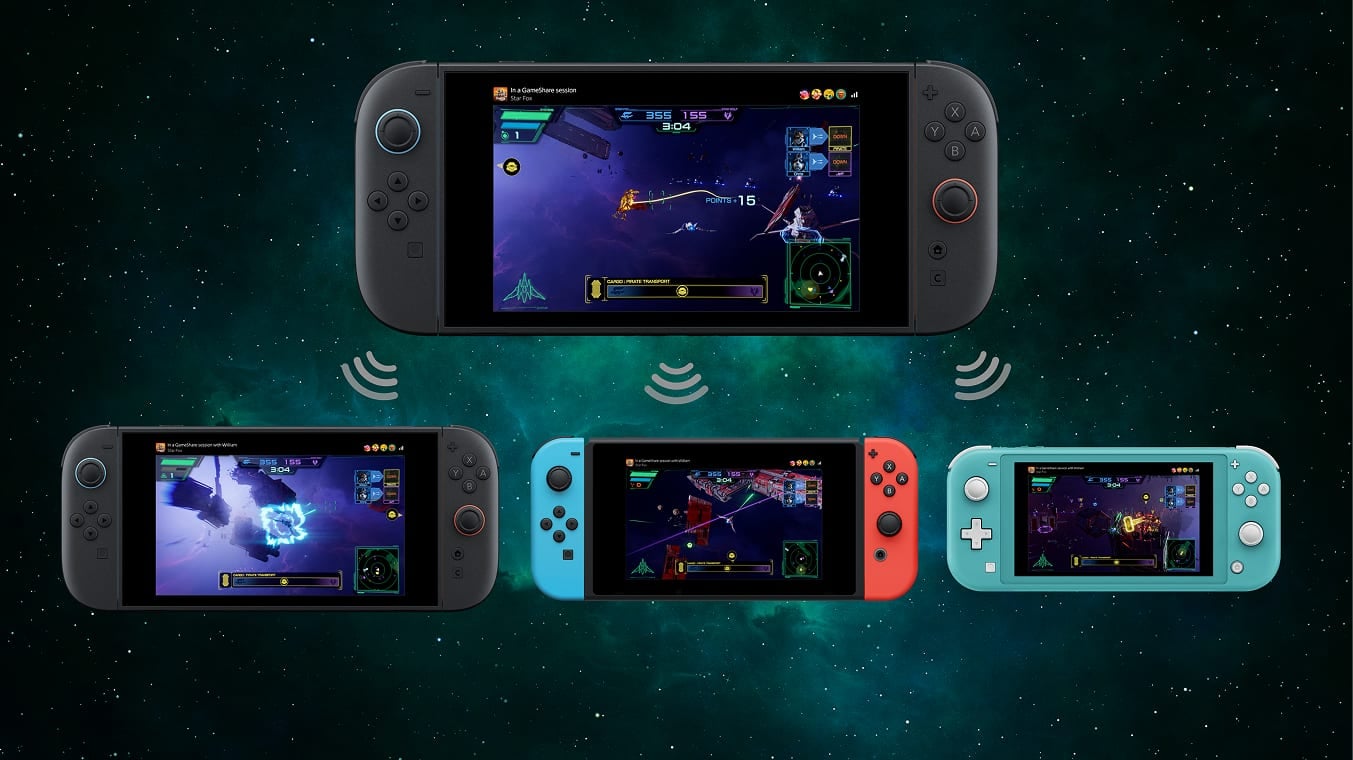
Local play and GameChat
Over a local wireless connection, a Switch 2 can share with Switch 2, Switch, Switch OLED or Switch Lite. Online sharing requires both the host and every guest to use Switch 2 and GameChat.
Remote sessions require a Nintendo Account, a persistent internet connection and Nintendo Switch Online from March 31, 2026. GameShare supports up to four systems, although some games offer only one of the two sharing methods.
What the guest keeps
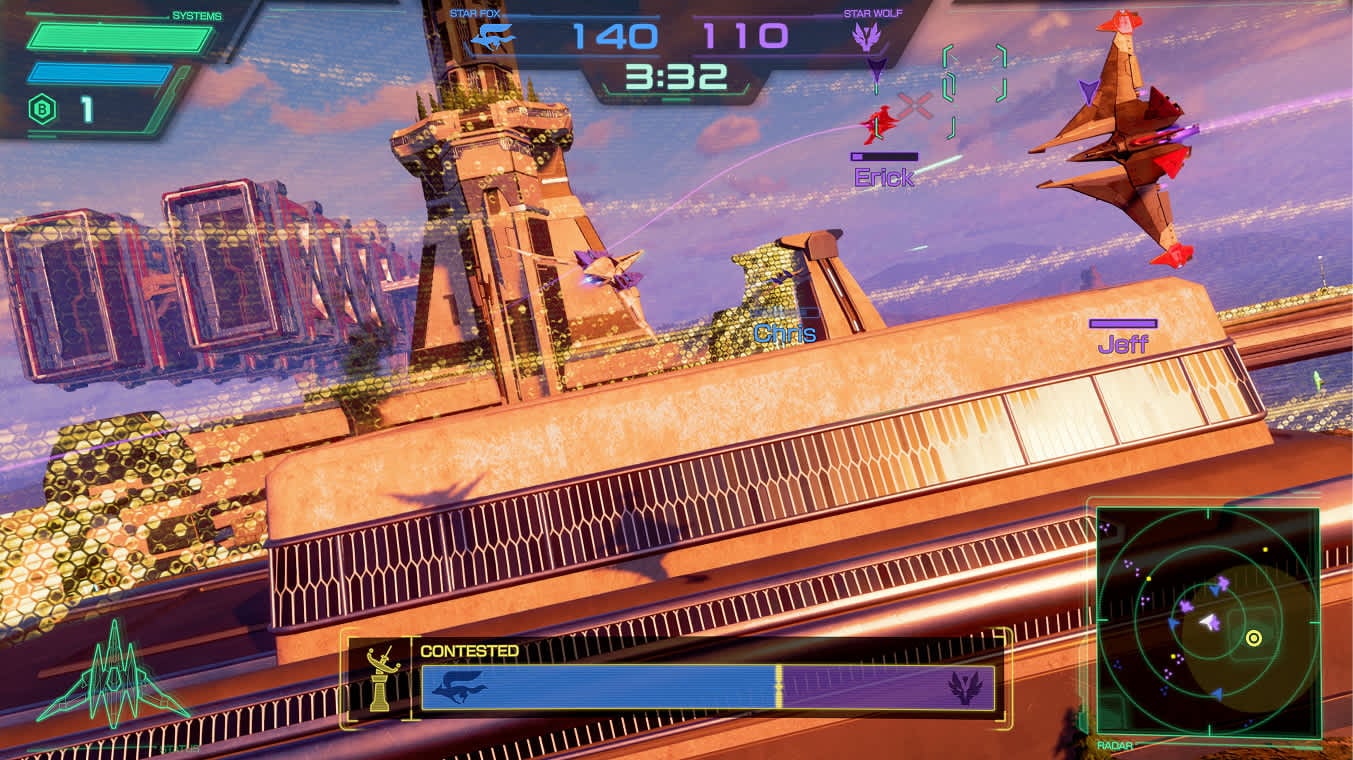
The receiving system displays a streamed session and does not receive a copy of the software. A HOME Menu icon may remain afterwards and open the eShop. Depending on the title, save data may also be created. Image quality can be reduced, while latency depends on the network and distance.
If an older system stays in the household, read Switch 2 game and controller compatibility and our Switch 2 game selection. GameShare does not replace the transfer of users, saves or purchases.
How to host or join
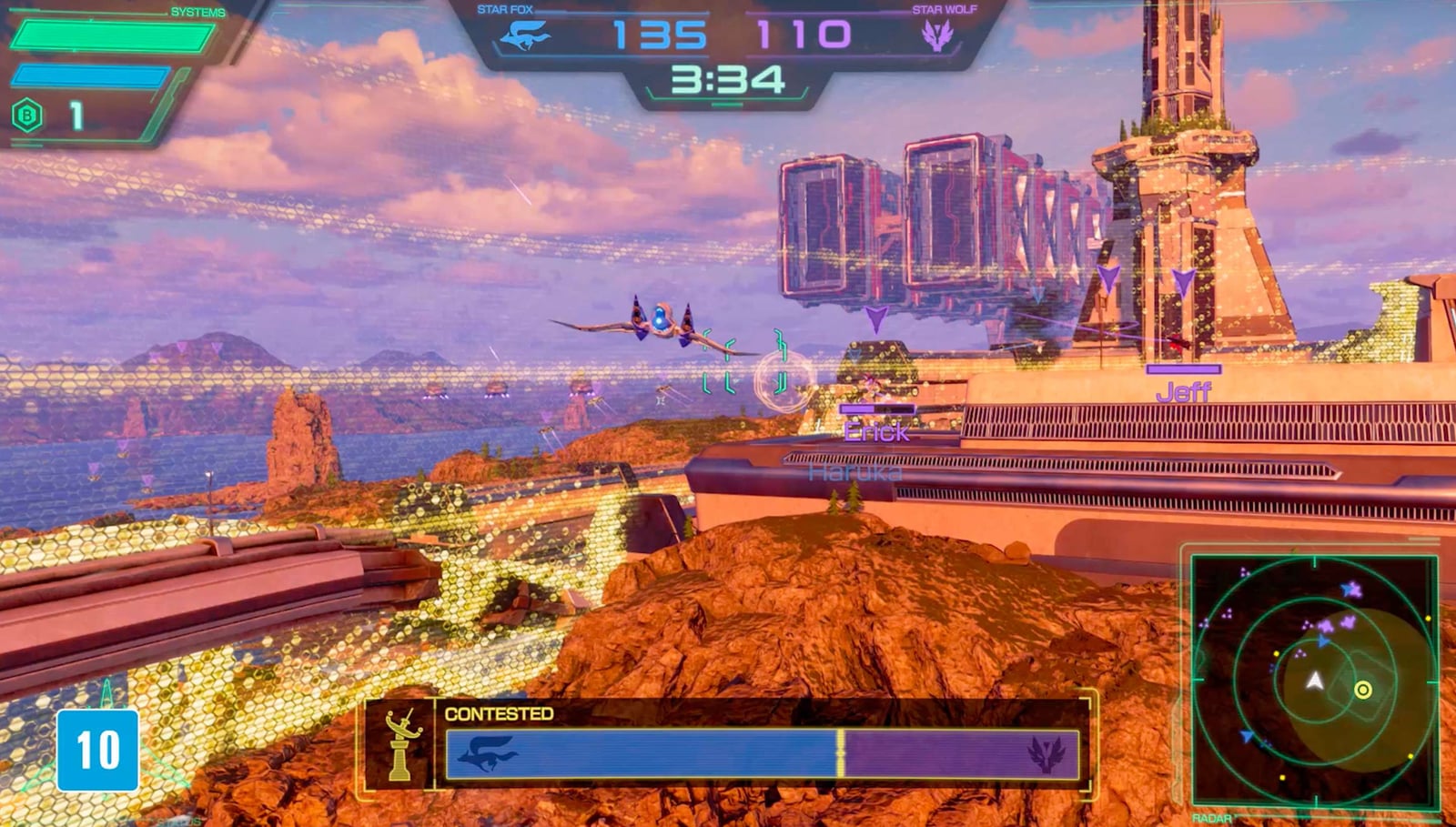
The host opens a compatible game, selects its GameShare option and chooses local wireless or GameChat. The guest selects GameShare from the HOME Menu or accepts the GameChat invitation. Exact menu wording varies by title. It works well for testing co-op or using two screens, but developers decide what each game shares and permanent independent access still requires another licence.
The conversation starts here
Sign in with a supporter account to comment. Sign in
Nobody has commented yet. Want to go first?