
Start with your local AI app before choosing a model download. If its instructions require GGUF, find a compatible GGUF release for the supported architecture. If they require safetensors, check whether you need the whole model directory rather than one file. The application determines the usable format, not which extension sounds more advanced.
Both formats store model weights, the values used when producing answers. They are not quality tiers. A model can be released in several formats and at different quantization levels, so a format comparison is not automatically a comparison between two different models.
What each format packages
Hugging Face's GGUF documentation describes a binary format designed for loading models and running inference in tools such as llama.cpp. It can package weights and metadata together. Large releases may still be split across files, so GGUF does not always mean a single download.
Safetensors stores tensors without the deserialization risks associated with pickle-based formats. That property does not provide every configuration file needed to run a model or certify the safety of an entire repository. Your app may also need configuration and tokenizer files to turn text into the units the model processes.
Ollama is not restricted to GGUF. Its import documentation includes compatible safetensors models as well. Supported architecture and the required import procedure matter alongside the file format.
Format and quantization are separate choices
A GGUF file may hold quantized weights, but its extension does not specify their bit depth or memory requirements. Four-bit and eight-bit quantization reduce memory use by changing weight precision. The effects depend on the model and method, not a universal quality rule attached to an extension.
Compare the exact model name, version, stated quantization and application requirements. Equal file sizes do not imply equivalent models. Disk size also excludes some of the memory needed during inference, including the working context.
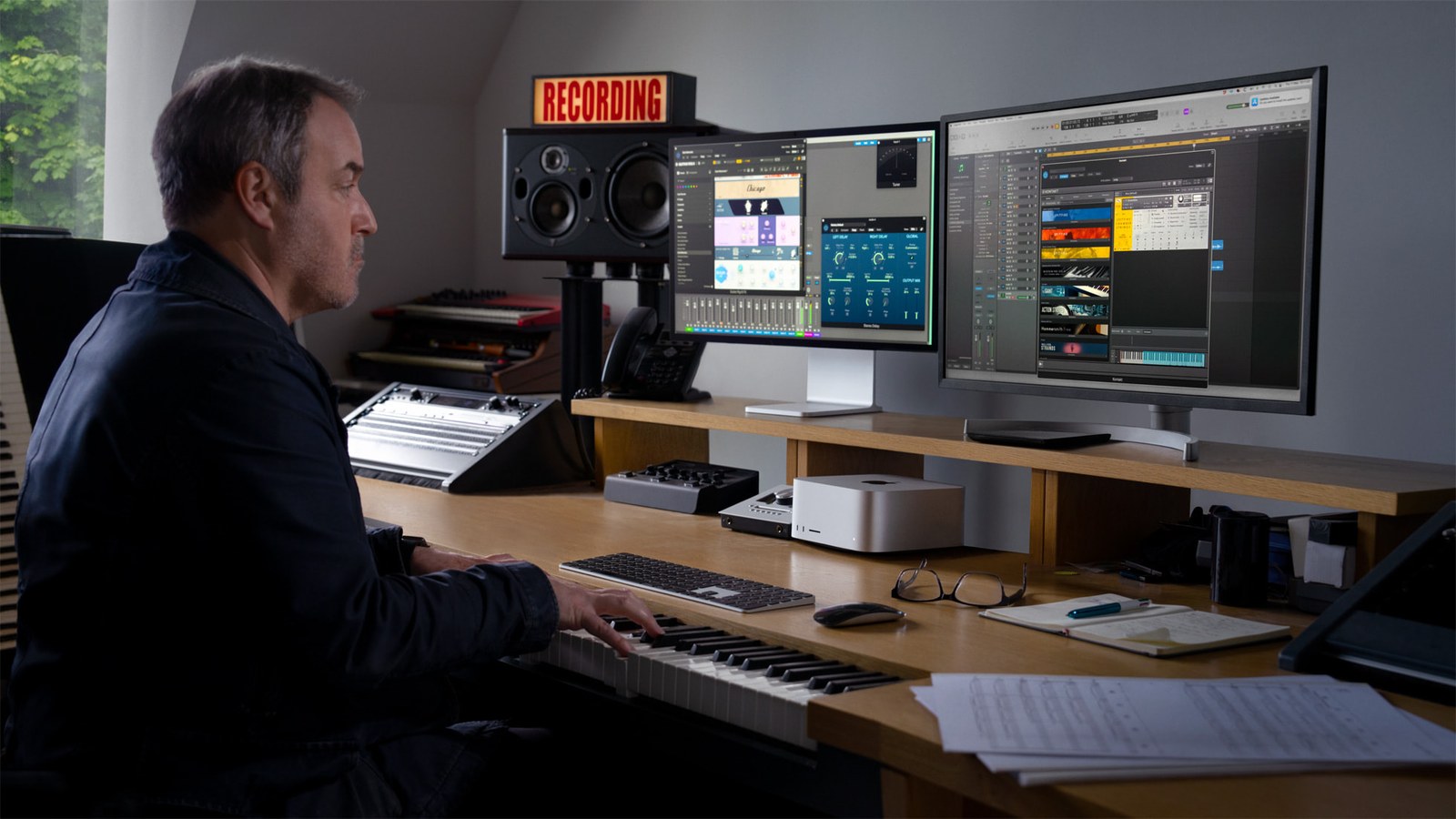
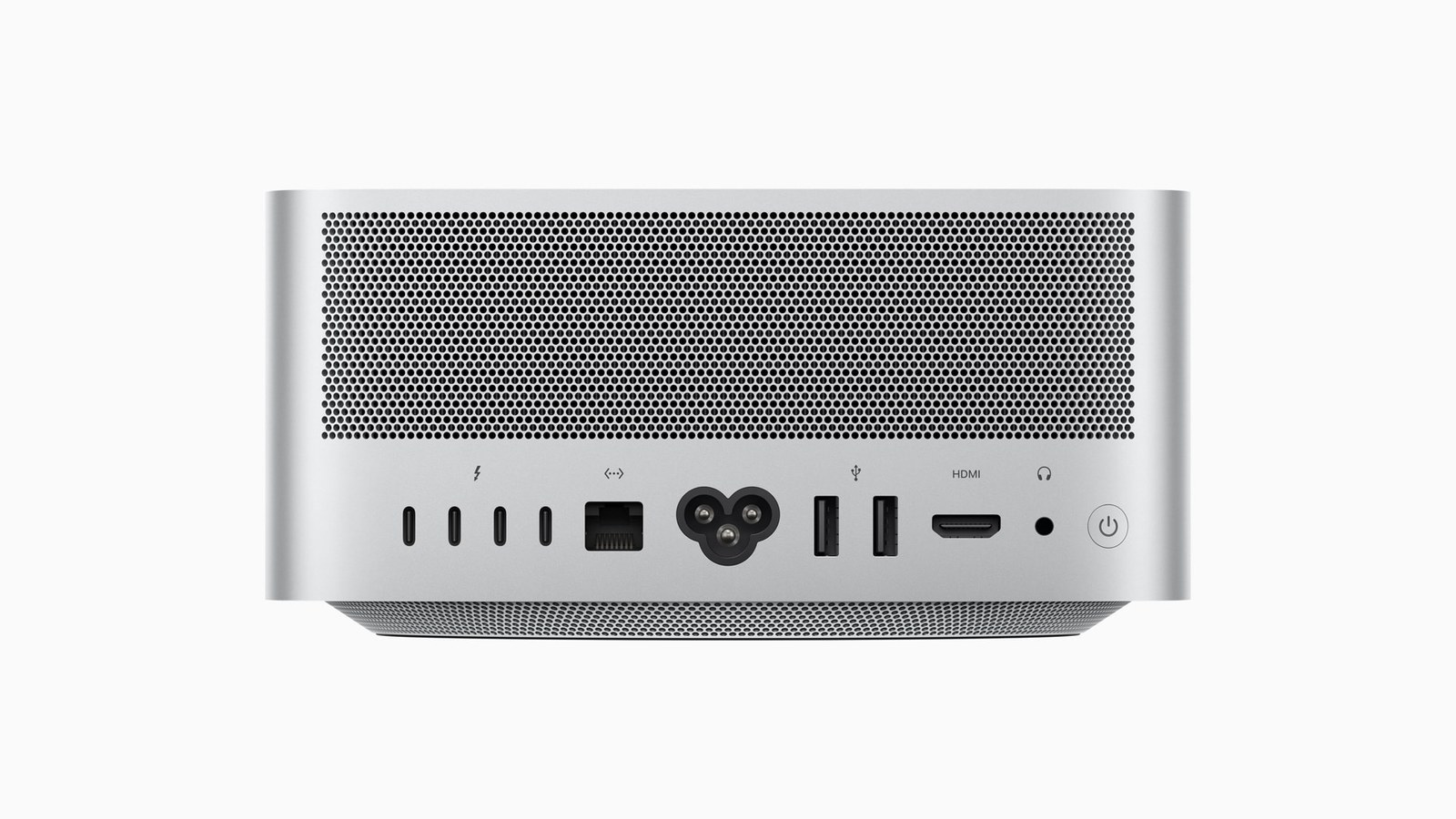
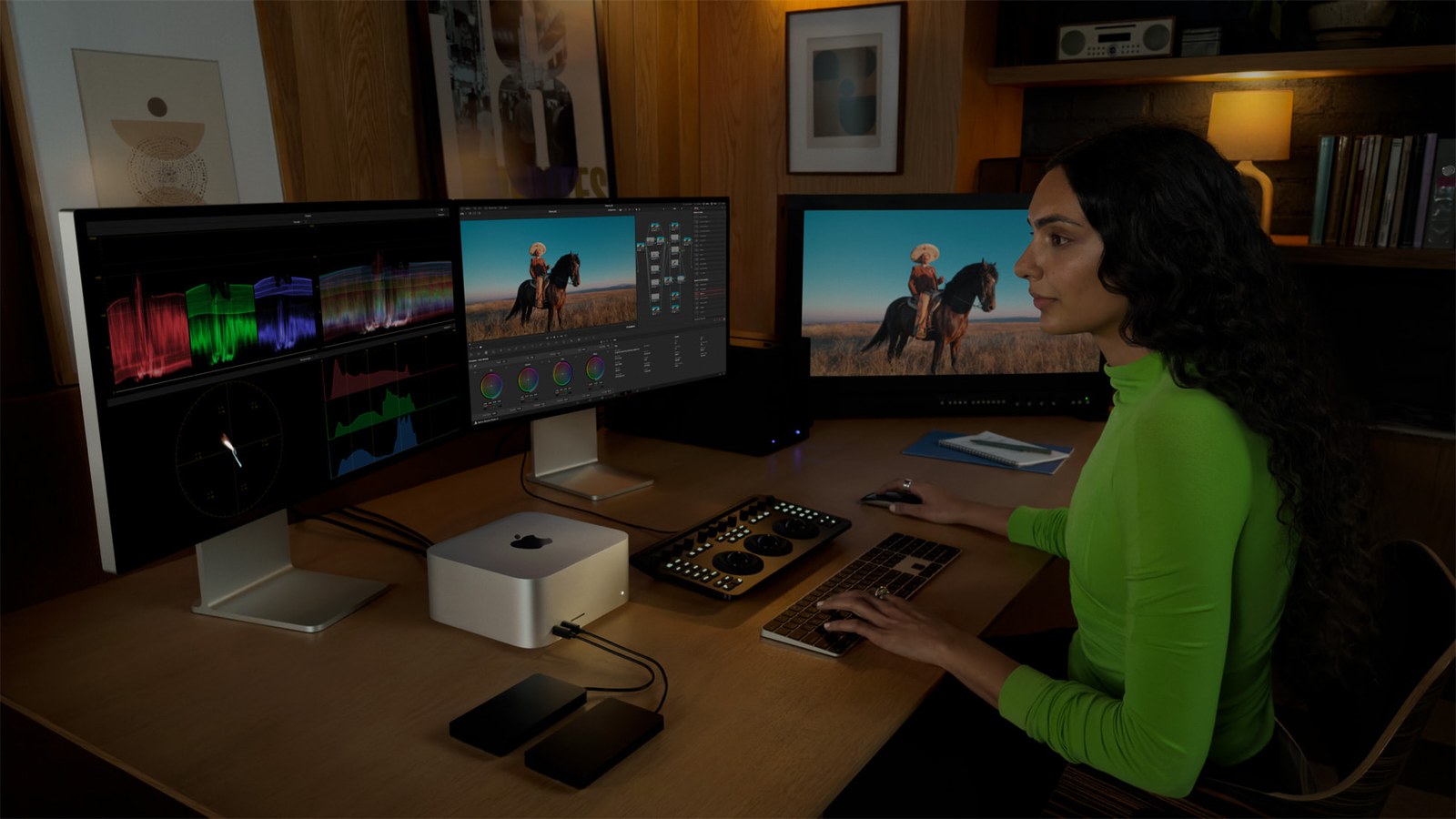
The Mac Studio photos here illustrate local computing. They are not model benchmarks or a recommendation to buy that machine. Check whether your own hardware can load the intended model before deciding whether local or cloud AI fits your needs.
Check the download before committing to it
Read your app's supported formats and architectures, then the model card, license and installation instructions. Pick a variant that fits your memory and keep any accompanying files the app requires.
For an Ollama safetensors import, follow the directory-based instructions and create the required import configuration. For split GGUF releases, preserve the file names and parts the documentation specifies. Renaming a safetensors file to .gguf does not convert its contents.
Begin with a short test request before raising the context length. If loading fails, use the actual error to check format, architecture, missing files and available memory. A larger download will not fix an unresolved compatibility requirement.
The conversation starts here
Sign in with a supporter account to comment. Sign in



Nobody has commented yet. Want to go first?