
Gemini 3.8 Live and Live Extended Thinking were announced on September 15. Google targets more fluid voice conversations with the first model and harder multi-step requests with the reasoning variant. On a phone, the practical issue is knowing what you are showing the assistant and when that sharing ends.
A model announcement is not a guarantee that every account receives every feature immediately. Gemini Help describes a gradual rollout. The consumer app is also separate from the Live API that developers use to build their own voice-and-vision experiences.
A natural voice is not a fact check
Extended Thinking is designed to spend more effort on complex requests. Smoother conversation may be more comfortable, but the sound of a confident answer cannot establish its accuracy. Verify facts that would influence a purchase or another important decision.
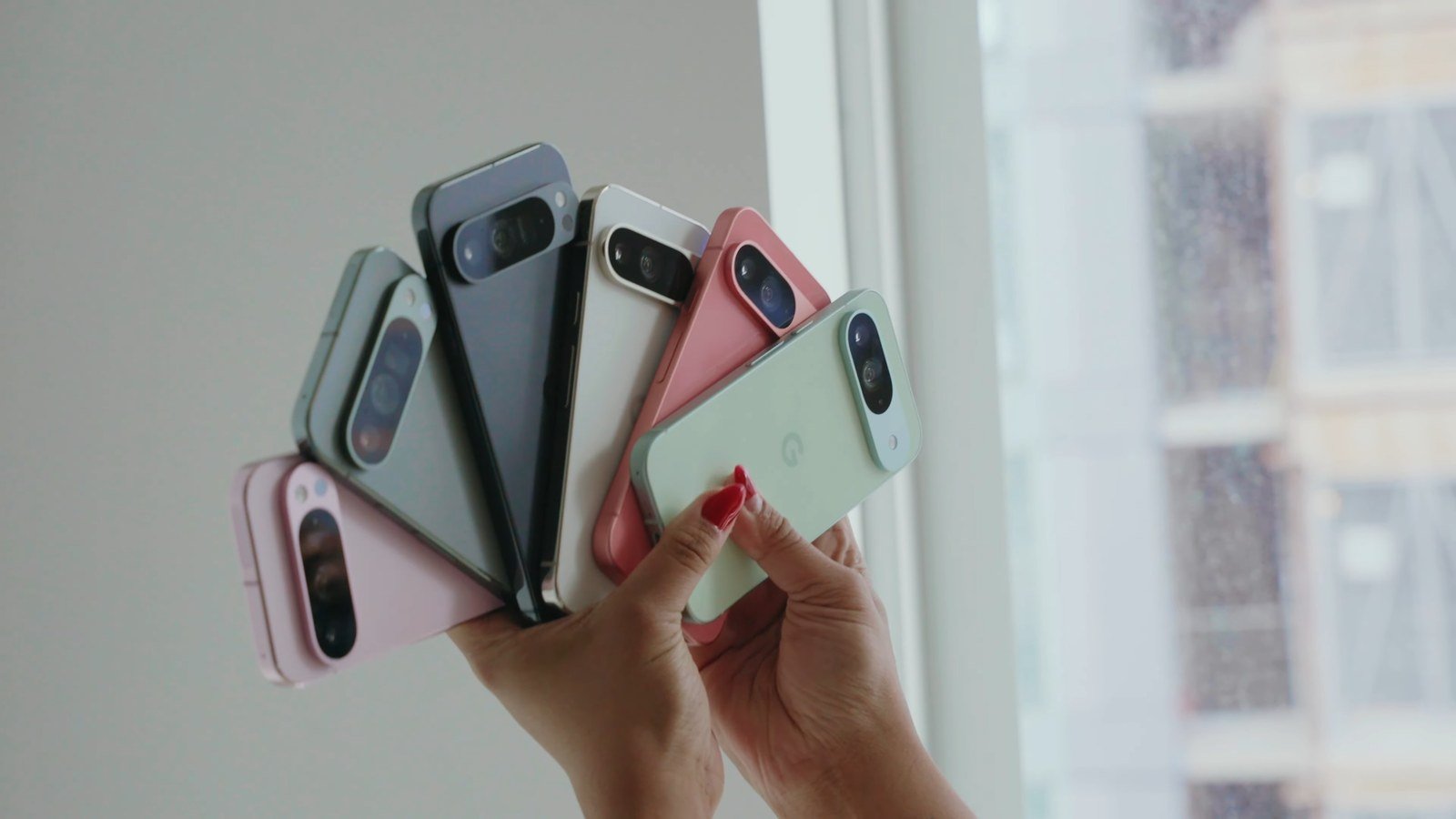
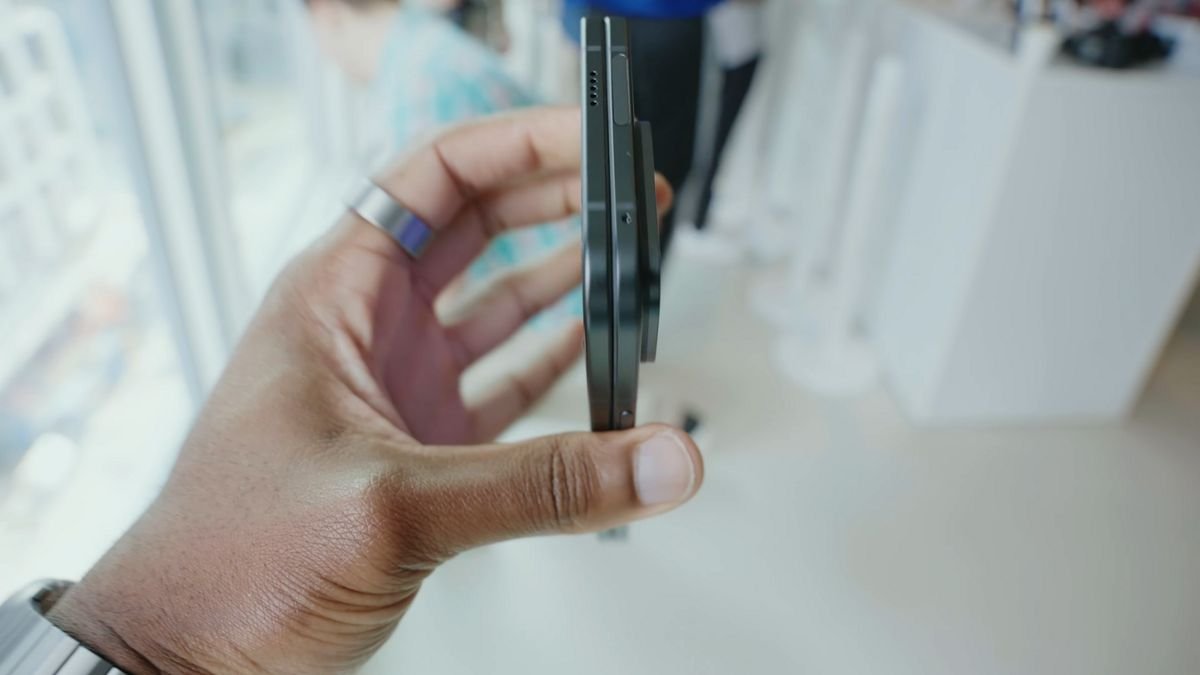
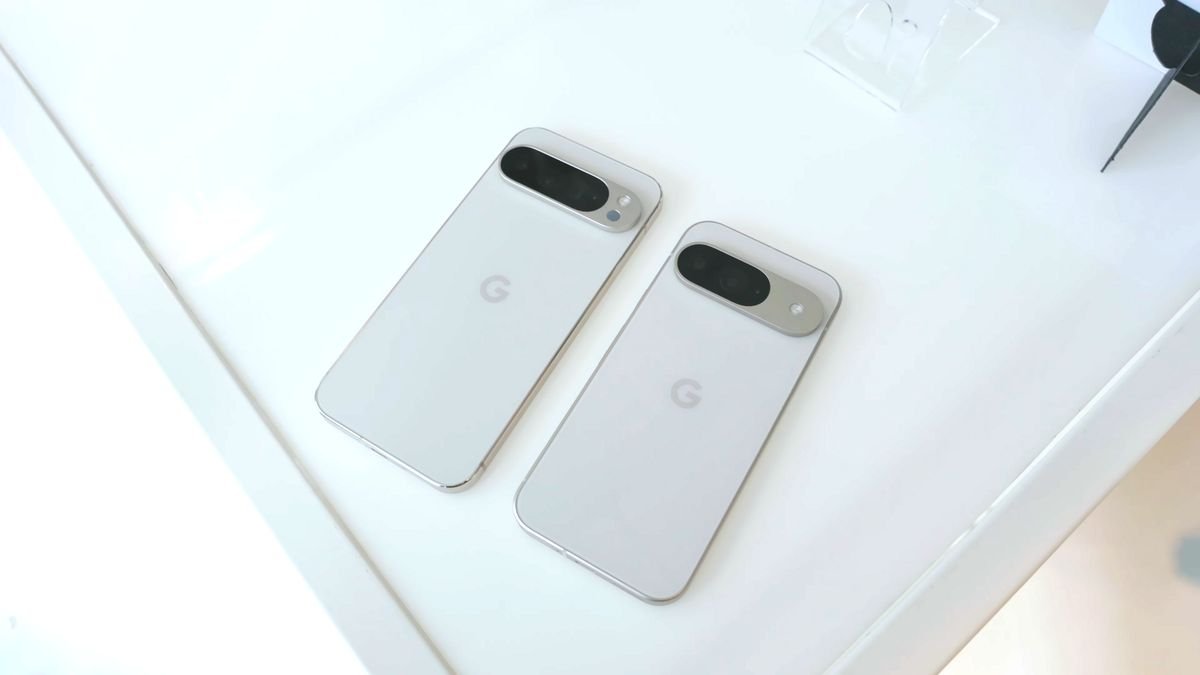
Live is a different offering from the text-model lineup covered in our Gemini 3.8 Flash and Cyber explainer. The Pixel photographs here illustrate phone hardware. They are not screenshots or evidence from our own Gemini 3.8 testing.
Muting audio does not necessarily stop sharing
Google's Android Live instructions distinguish camera sharing from sharing the whole device screen. Anything visible on a shared screen can become part of the conversation. Check what is on display before opening messages, email or documents.
Muting the microphone can leave video or screen sharing running. To hide that content, stop the relevant sharing control or end the conversation. Android also lets you stop screen sharing from its notification card. Do not treat a silent microphone as a private screen.
Check permissions and the finished action
Connected services can allow Live to do more than discuss what it sees. Review their permissions and verify any requested change in the destination app. Our guide to granting and revoking agent access explains that check.
Start with an object or a screen containing no account details, private messages or other people's data. Before switching to a private app, confirm that camera and screen sharing have stopped.
The conversation starts here
Sign in with a supporter account to comment. Sign in


Nobody has commented yet. Want to go first?