
Gemini finally leaves the browser
Google has released the official Gemini app for Windows. It is available globally for Windows 10 and Windows 11, and its central idea fits into one shortcut: Alt + Space opens a small window from anywhere, without hunting for a buried browser tab.
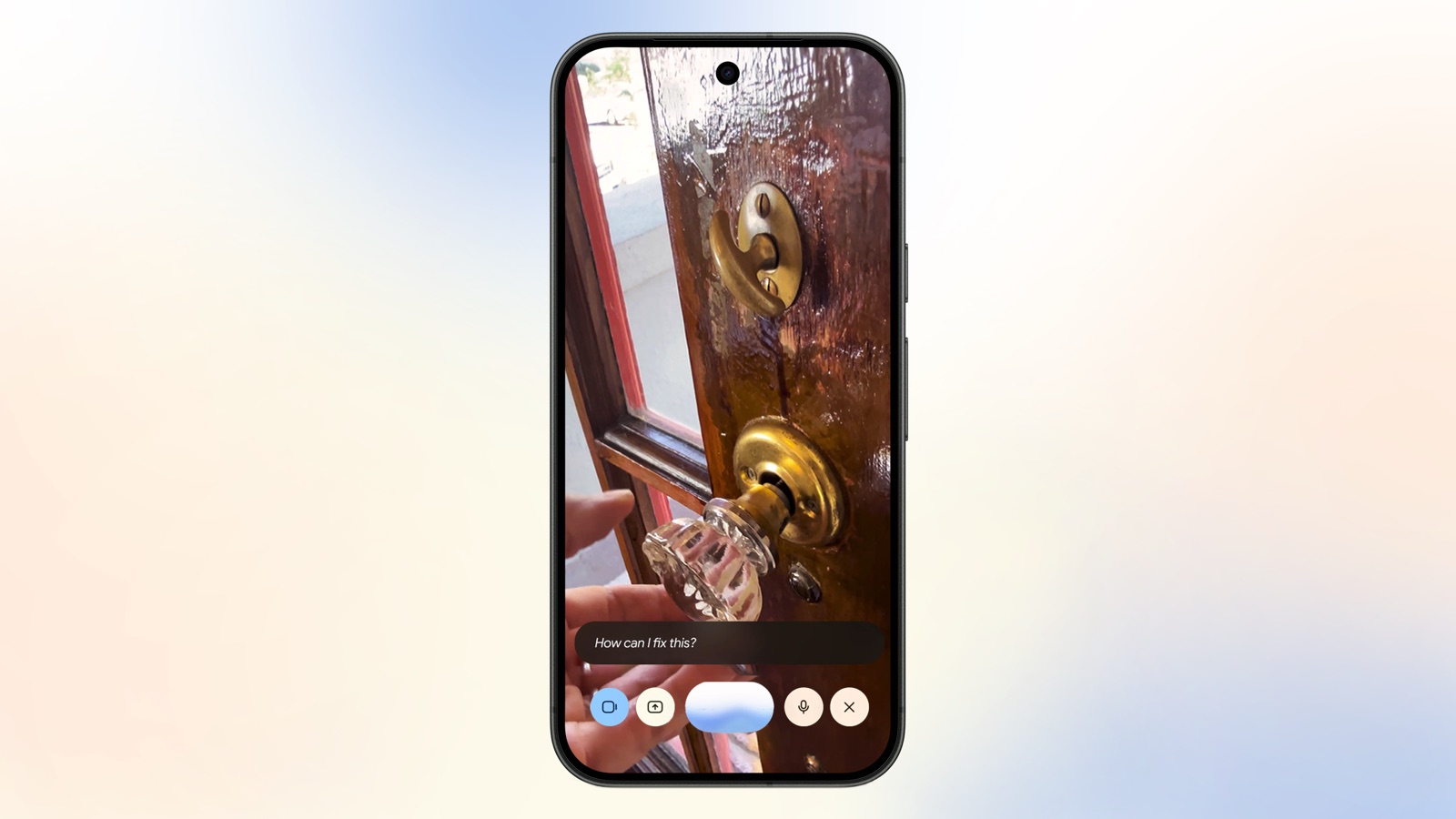
The app brings together chat, Nano Banana image generation and video through Gemini Omni. It can also connect to Gmail and Drive, with permission, to find information or work with your files. This is not a new model. It is another front door to capabilities Google already offers on the web.
That distinction matters. Installing Gemini does not grant it magical access to the whole PC or turn it into a native Windows feature. Google promises deeper desktop capabilities later, but the current release is primarily a lightweight client built around faster access.
Alt + Space is the habit-changing feature
The practical advantage is not a smarter answer but less friction. Select some text, summon Gemini from the keyboard and continue working. That can be meaningfully quicker for short questions, translations and summaries. The gap narrows for longer tasks that already need a full workspace.
Google also includes Gemini Spark, its agent for multi-step tasks. It can use connected services to organize information, but users should check which account is active and which data they are exposing. Connecting Drive for convenience does not mean every permission must remain enabled forever.
Google describes the app as lightweight and says it can run without slowing down the PC. That is a vendor claim rather than a universal guarantee: usage will depend on the build, enabled features and hardware. If you only chat occasionally, the web version remains perfectly adequate.
What to check before installing it
Download it through Google's official Gemini desktop page, not a third-party installer or similarly named app. Confirm that you are on Windows 10 or 11, then decide whether to keep Alt + Space because other utilities may already use that combination.
Open your Google account settings afterward and review connected extensions. Gmail and Drive make the assistant more useful, but they also widen the context it can access when asked. Work accounts may restrict features or retain activity under an employer's policies.
The release follows the same direction as Gemini Omni: Google wants text, images and video in one assistant, reached with as little friction as possible. Users who prioritize speed can also compare what Gemini 3.7 Flash offers. The Windows app does not reinvent Gemini, but it removes one reason not to use it.

The conversation starts here
Sign in with a supporter account to comment. Sign in



Nobody has commented yet. Want to go first?