
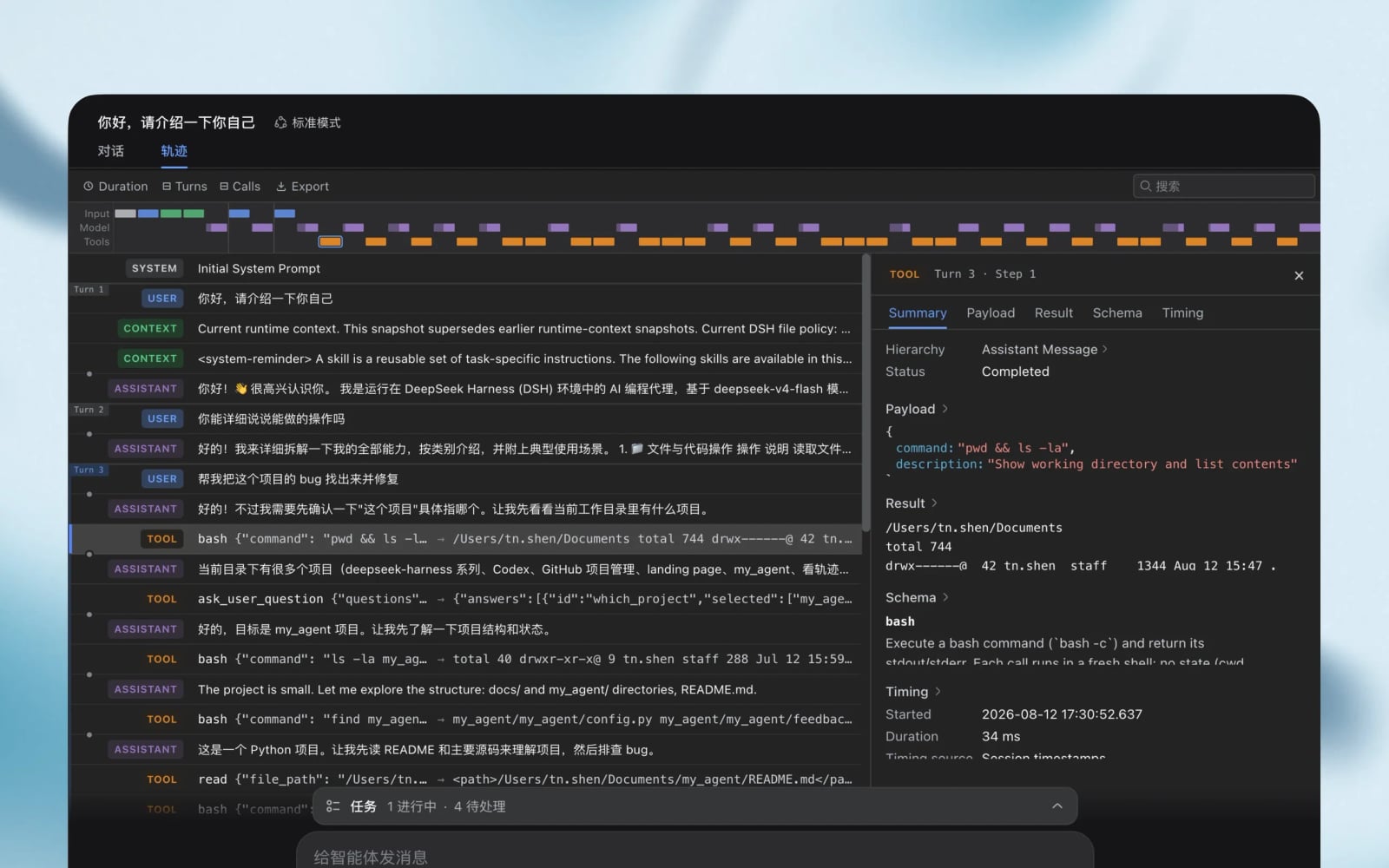
A closer look at an agent’s work
The October 3 DeepSeek Harness alpha adds an optional developer-tools bundle for inspecting session logs and moving between the underlying records and the conversation. It also adds a plugin-creation entry point that keeps the request as a draft until the user sends it.
An AI agent can carry out several actions for one request, such as reading files and running a command. If the task goes wrong, the final chat answer may leave out the step that caused it. Harness lets developers examine recorded actions alongside the conversation. That is useful for investigation, rather than proof that an agent completed the task correctly.
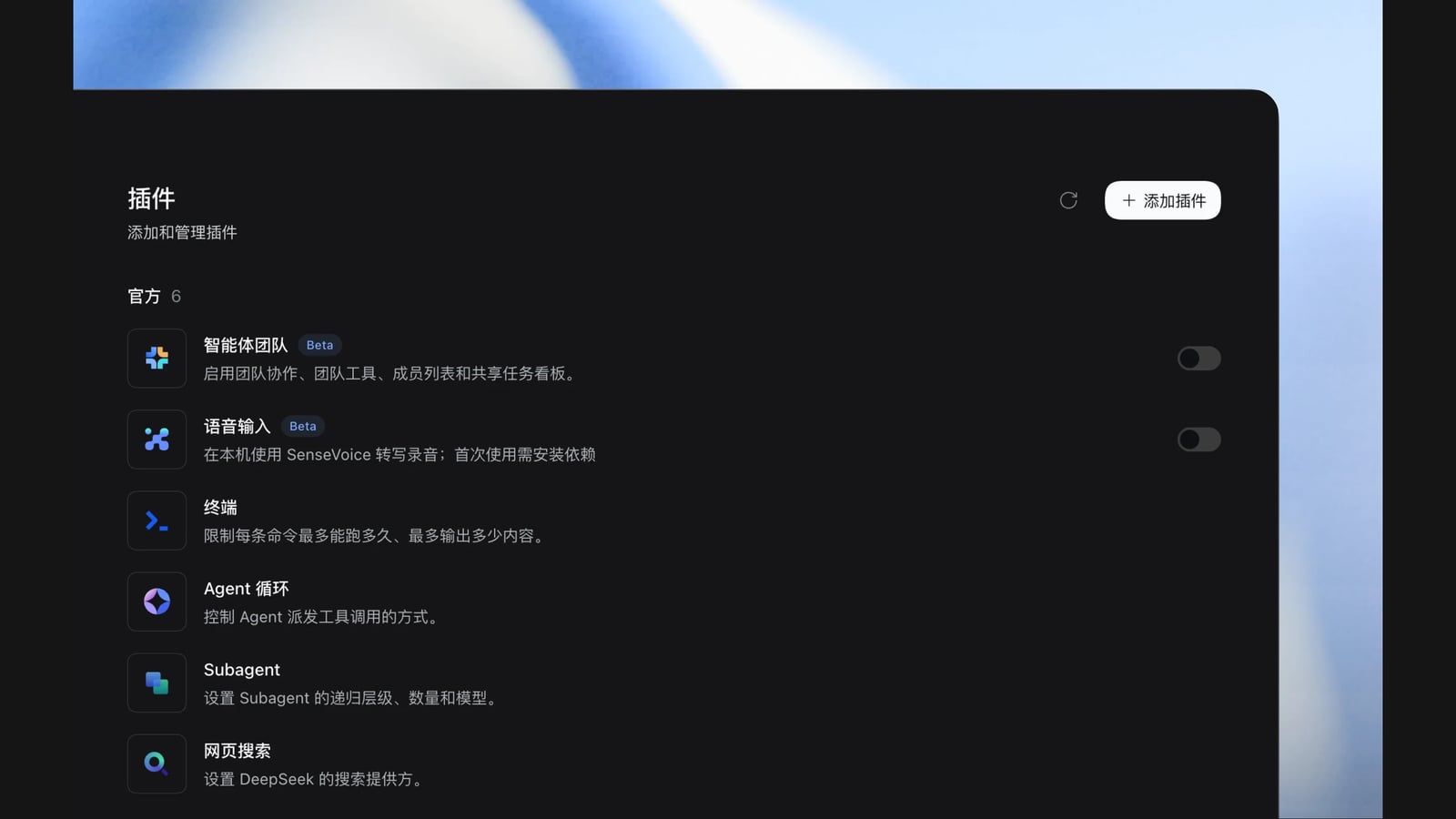
Plugins supply the tools
Harness is built around plugins that can be combined to extend what an agent does. DeepSeek’s product presentation illustrates document work, coding and scheduled tasks. These are the company’s examples, not results from an INSERT FUTURE hands-on test.
Desktop downloads cover 64-bit Windows and Apple-silicon Macs. The desktop application did not make its first appearance this weekend. The September 29 release already bundled the command-line tool with the desktop packages.
The alpha also experiments with Claude Code Mods compatibility. DeepSeek explicitly stops short of promising complete, practical support. Some extension interfaces change in this release, so affected plugins will need updating.
Model access and security remain separate questions
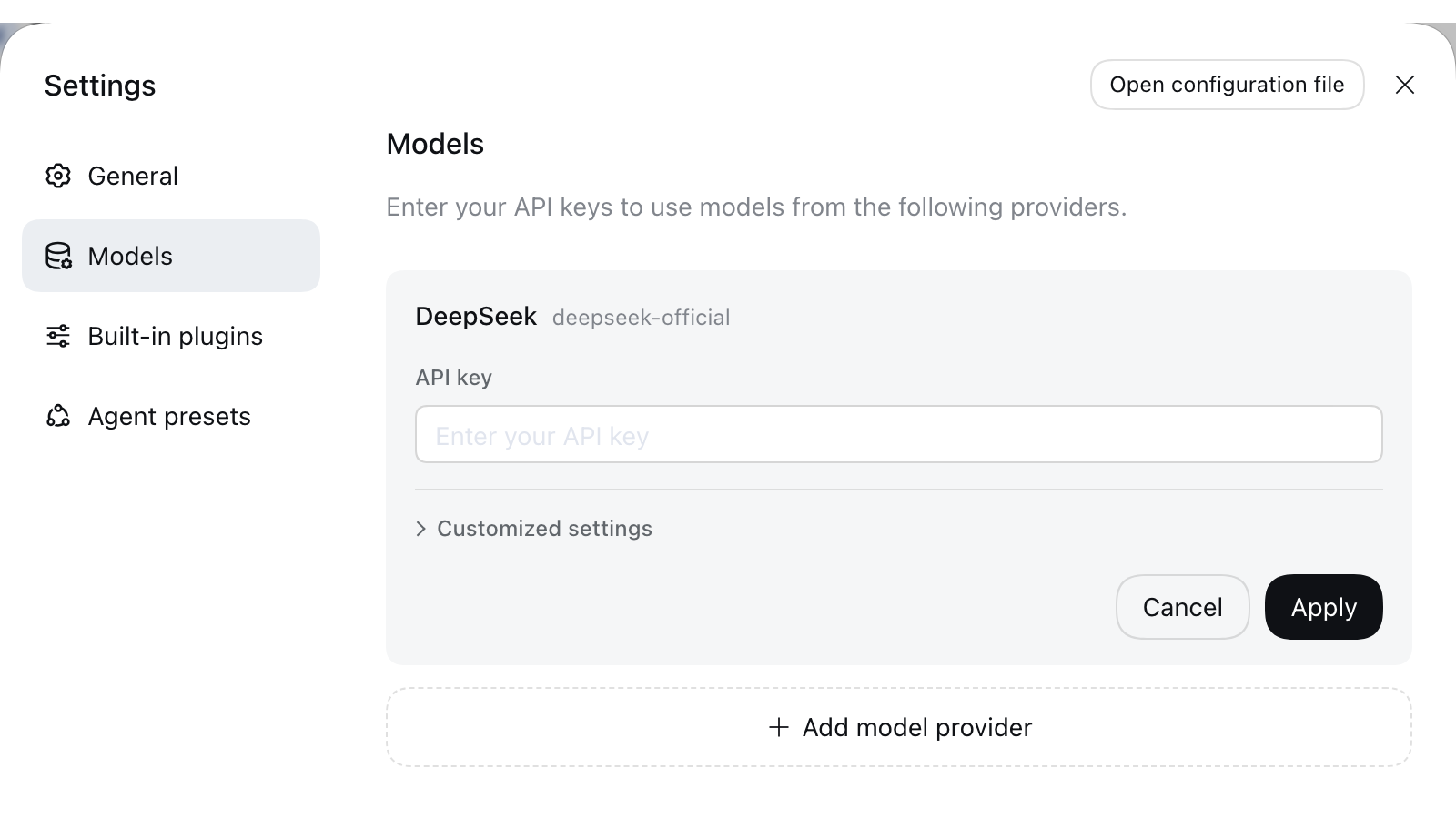
The model configuration guide describes connecting DeepSeek and other providers with API keys, credentials that let an application call a model service. Open-source software does not make every connected model free to use. Providers that require OAuth sign-in, including Codex, are not supported by this setup yet.
DeepSeek’s safety notice says Harness has not been security-audited and should not be treated as production-ready. It can run code and reach files or credentials that are made available to it.
The project recommends a separate disposable environment, backups and limited access. Before connecting an agent to everyday work, check its permissions and how to revoke them.
The conversation starts here
Sign in with a supporter account to comment. Sign in

Nobody has commented yet. Want to go first?