
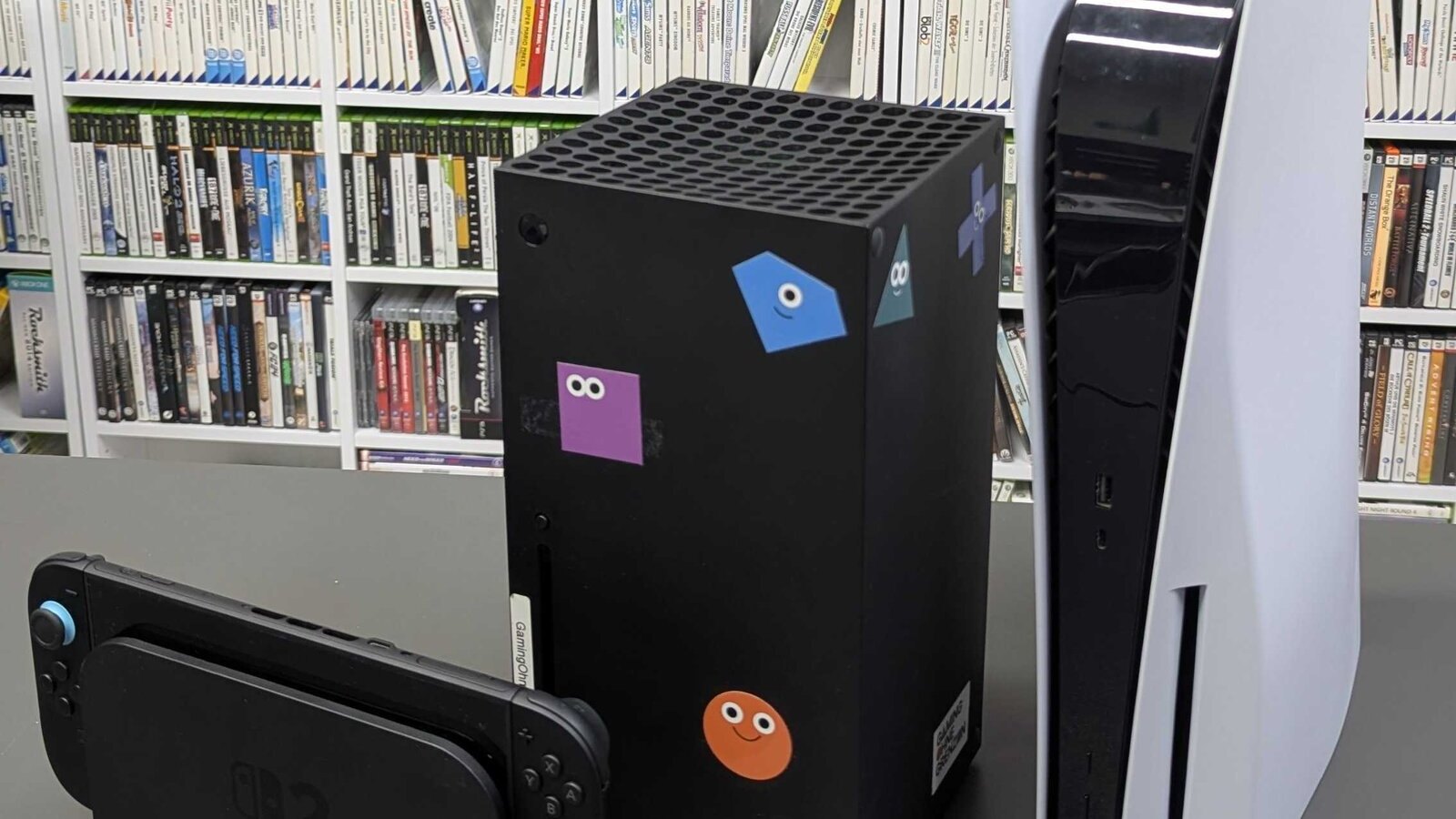
All four platforms log your playtime, but none of them put it in the same place. On PS5, open your profile and go to the Games tab. On Nintendo Switch 2, select your user icon on the HOME Menu. Steam shows it in your library and on your profile. Xbox tucks it inside each game's achievements, under Stats.
The counter belongs to whoever starts the game, not to the console or the game itself. And if a console stays offline, the number you see on your phone or the web can lag behind.
| Platform | Where to look on console or PC | Phone or web | Main limit | | --- | --- | --- | --- | | PS5 | Profile > Games | Yearly Wrap-Up and PlayStation Family app for kids | Not covered in Sony's help pages | | Switch 2 | User icon on the HOME Menu | Nintendo Switch App, Nintendo Store app, Parental Controls app | Profile lists only the 20 most recent titles | | Steam | Library and profile | Your Steam profile in a browser | Valve does not explain how offline time is logged | | Xbox | Guide > Game activity > All achievements > Stats | account.xbox.com > Xbox Profile > Achievements | Not every game tracks it |
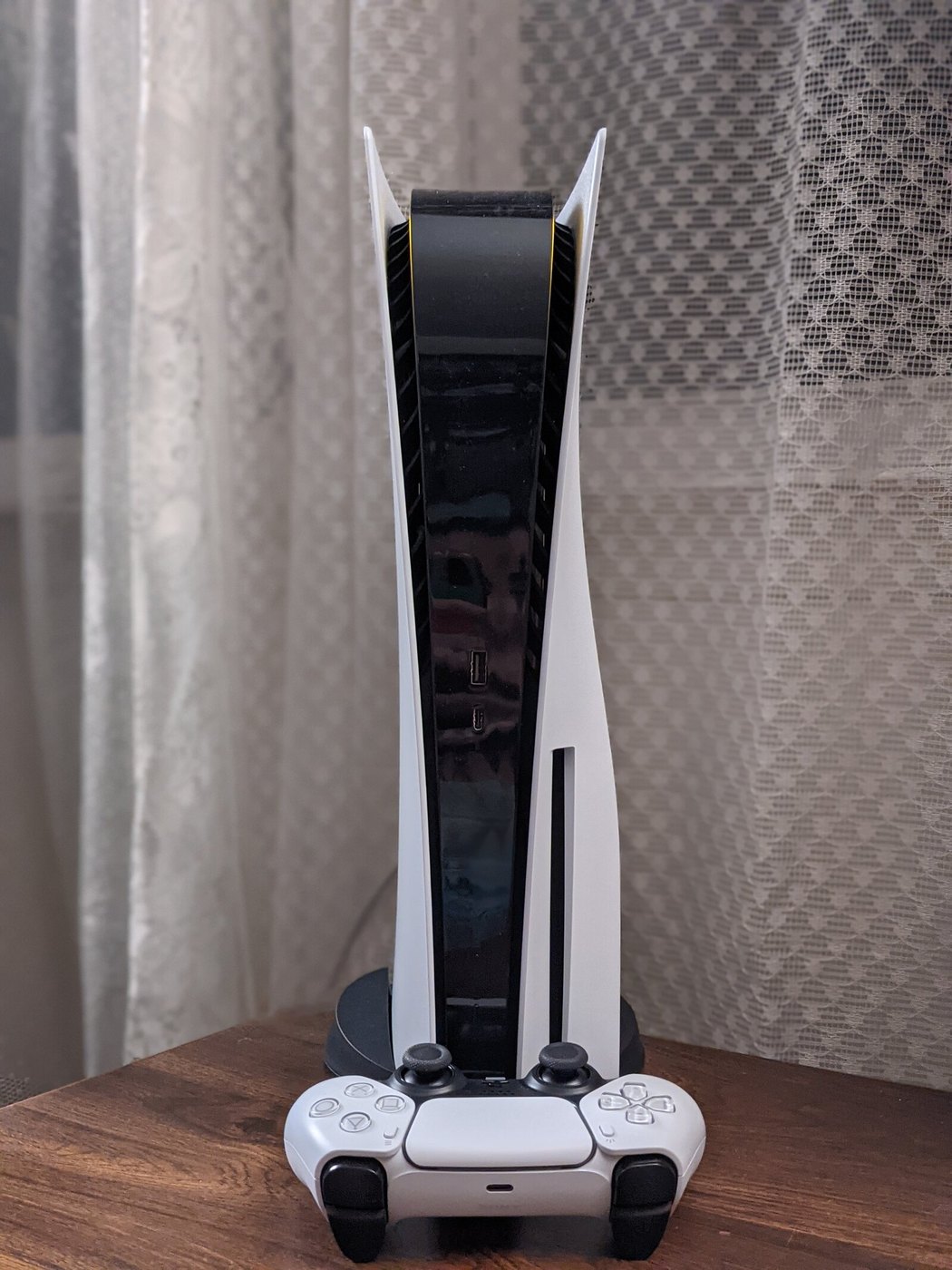
PS5: your profile's Games tab
From the PS5 home screen, select your avatar in the top row of icons, choose Profile and move across to the Games tab. Titles are sorted by when you last launched them, and each one shows when you last played and your total hours, as Tom's Guide describes. PlayStation's official help pages do not document this counter, so what the console shows is the reference.
PS4 games show up there too. When the PS5 launched in November 2020, 3DJuegos found that the profile also listed hours for PS4 titles played on the same account. That makes it the place to check last-generation playtime, since the PS4 never had an equivalent screen.
To control who sees those hours, go to Settings > Users and Accounts > Privacy and the setting Who can see your gaming history under Your activity, according to PlayStation's privacy help page. On the web, the same option lives under Privacy Settings in account management.
On mobile, Sony documents two options, and neither replaces the profile. The PlayStation Family app shows parents and guardians a seven-day activity summary with each child's most played games and apps. The yearly Wrap-Up adds up your hours on the web. The 2025 edition ran from December 9, 2025 to January 8, 2026 and required at least 10 hours on a PS4 or PS5 that year, the PlayStation Blog said.
If you play on another PS5 with your account, for example after you share PS Plus through the primary console setting, check your profile afterward to confirm the session added hours.
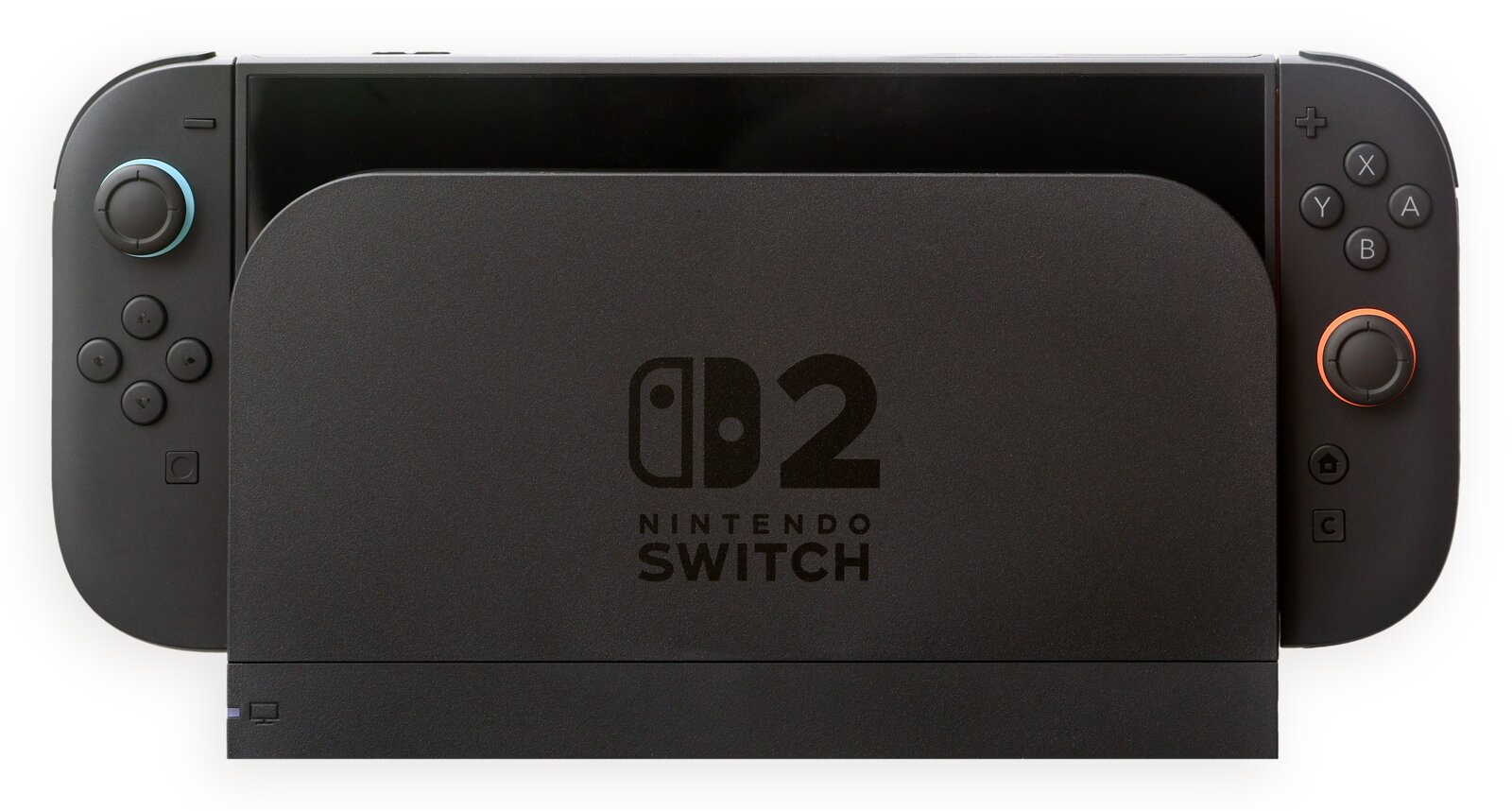
Nintendo Switch 2: your user page and three apps
On Switch 2, select your user icon on the HOME Menu and scroll down your profile page. It lists total play time for the 20 titles you played most recently, according to Nintendo Support. A game you haven't opened in months can drop off that list, even if you put hundreds of hours into it.
Nintendo offers three ways to check from a phone:
Nintendo Switch App. Sign in with your Nintendo Account and tap your user icon in the top-right corner. You get the same list of 20 recent titles as on the console.
Nintendo Store app. Open your User Page and select Play Activity for a fuller history. The top shows your five most recent games, and View More opens a chronological list with daily play time. Under All Activity you can sort by most recently played, date first played, longest play time or console. The history starts on the day you linked your Nintendo Account to the console, and Nintendo 3DS and Wii U data only runs through February 2020, per Nintendo's Store app help page.
Nintendo Switch Parental Controls. Once the console is linked, the bottom of the app offers Play Activity, with daily play time and, for each day, what was played and with whom, plus Monthly Summary, a calendar you can filter by user.
The Store app can take up to a day to show a session, because the console uploads that data while it sits in sleep mode with an internet connection. If you upgraded from the original Switch, transferring your data to Switch 2 brings each user's play activity along.
Steam: library and profile
In the Steam client, open your Library and select a game. The stats strip next to the Play button shows your total playtime and your last session. Steam Deck uses the same account, so handheld sessions count toward that number.
For every game and its hours in one list, go to your profile and open the games section. That is the easiest route on a phone, because the same profile opens in any browser at steamcommunity.com. You choose who can see it under Edit Profile > Privacy Settings, as Steam Support explains.
Valve uses the same counter for refunds. It will generally refund a game requested within 14 days of purchase with less than two hours of playtime, according to its refund policy, so check the figure in your library before you file.
In a Steam Family, each member plays on their own account, and adults get playtime reports for children and can set limits. Our guide on sharing Steam games with your family covers the setup.
For a yearly total, Steam Replay at store.steampowered.com/replay shows your most played games and longest sessions, as PCWorld reported when the 2025 edition went live.
Xbox: stats for each game
On an Xbox console, press the Xbox button to open the guide, then select Game activity > All achievements. Pick a game and select Stats to see how long you have played it.
On the web, sign in at account.xbox.com, select your gamerpic in the top-right corner and go to Xbox Profile > Achievements. Pick a game and select Achievements again, and your minutes played appear among the stats. Xbox Support only documents those two routes, which cover Xbox consoles and Xbox-enabled PC games, but the web version also works in a phone browser.
Microsoft warns that not every game tracks this stat. If a title shows no time, it does not report that stat, and your hours have not been lost.
When the number looks wrong
No internet connection. Nintendo says every console you play on needs to be online for your activity to stay current. Valve's Offline Mode guide does not say how it logs offline playtime, so check again after you reconnect.
Switch shows too little time. Nintendo blames an outdated system. Go to System Settings > System > System Update, keep playing and see whether the time starts climbing.
Remote or cloud play. None of the four official help pages explain how PS Remote Play, Steam Remote Play or cloud streaming are counted. Run the check at the end of this guide before you trust that figure.
Wrong profile. If someone at home plays on your PS5 profile, Switch 2 user or Xbox account, their time ends up on your counter.
To confirm the counter works, note a game's hours, play for 20 minutes with the console or PC online, then check again. PS5, Switch 2 and Steam should update on the device itself. Give the Nintendo Store app up to a day before you assume a session is missing.
The conversation starts here
Sign in with a supporter account to comment. Sign in



Nobody has commented yet. Want to go first?