

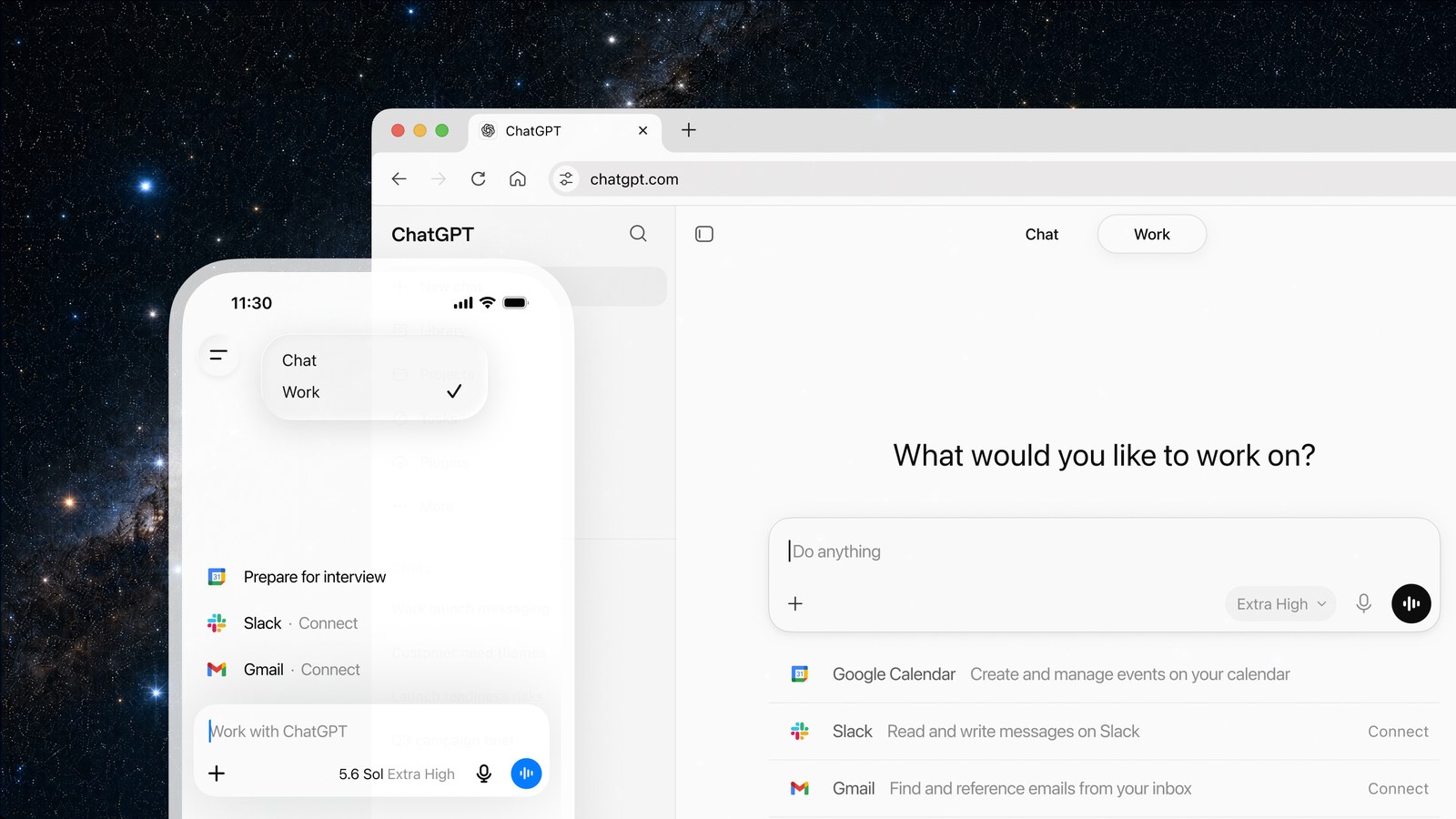
OpenAI has started folding ChatGPT's two tabs, Chat and Work, into a single screen. On Tuesday, November 24, Thibault Sottiaux, one of OpenAI's leads on ChatGPT and Codex, said on X that the combined version was reaching a small group of Pro subscribers, TechCrunch reports. The bigger change comes in December, when Plus, Pro and Business plans start drawing from one allowance shared across ChatGPT and Codex, according to OpenAI's help center.
Chats with Instant, the mode that answers right away without stopping to reason, don't count against that meter, and you can keep using them after the allowance runs out. OpenAI expects most people won't hit a reset any more often than they do today, but a spokesperson told TechCrunch that a small fraction of its heaviest users will reach the limit sooner.
What Chat and Work are
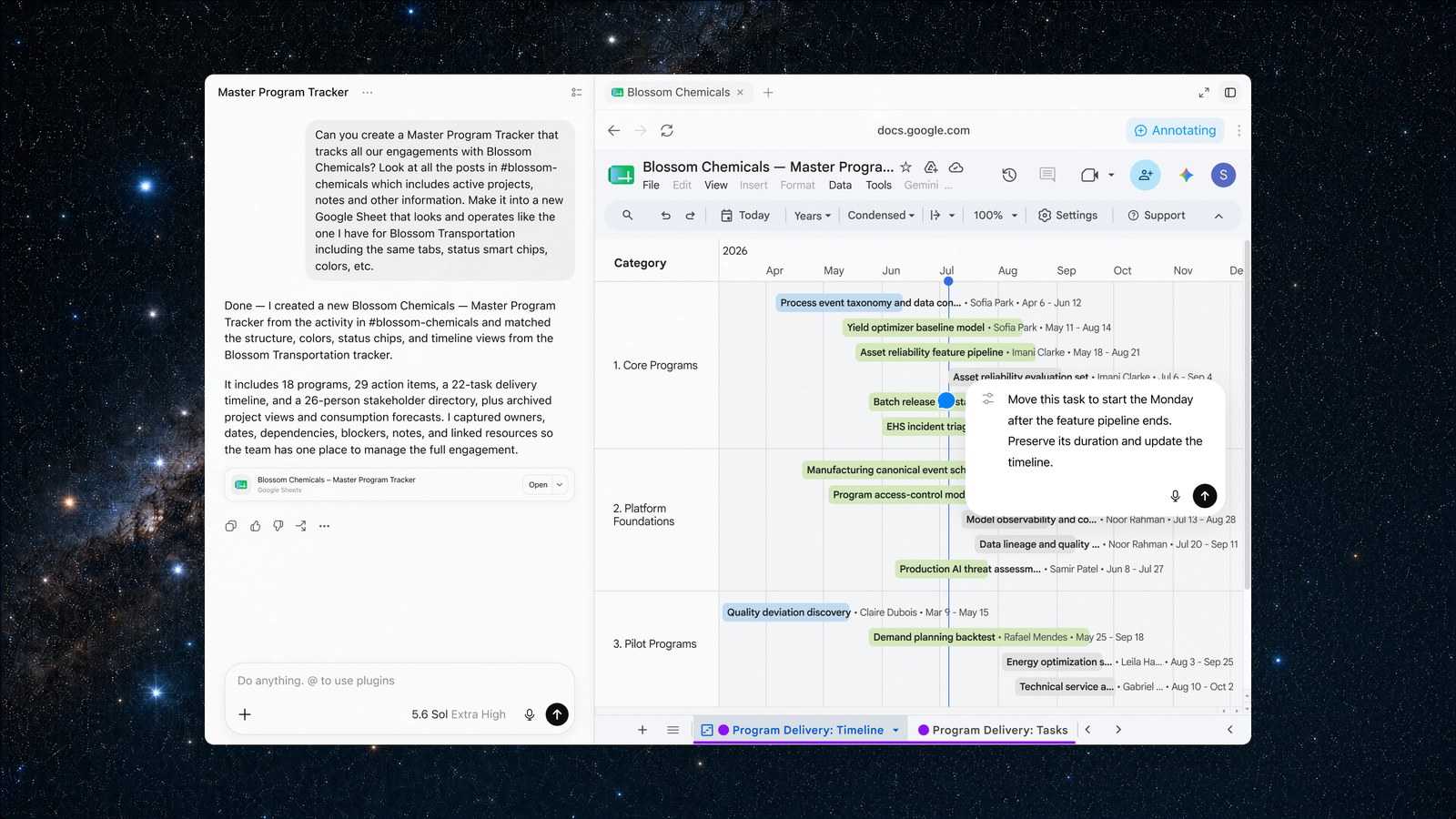
Chat is the ChatGPT everyone knows, built for quick questions and back-and-forth. Work arrived on July 9 as an agent for long jobs, per OpenAI's announcement. You hand it a goal, it breaks the goal into steps, pulls from your files and connected apps, and delivers a document, spreadsheet, slide deck or website. Its Data agent for company data is one example.
Until now you had to pick a tab before you started. After the merge, a conversation can turn into a task without switching screens. Codex, the coding agent, keeps its own section in the desktop app. Anthropic made a similar move in September when it merged Claude's chat with Cowork.
How the allowance is spent and when it refills
A usage limit is how much work your subscription covers before it asks you to wait. OpenAI doesn't count messages. It counts tokens, the chunks of text a model reads and writes. A Work job that combs through several documents and builds a presentation burns far more than a one-off question, and an advanced model burns more than a light one.
OpenAI's business documentation says chat usage currently sits in a separate bucket from Work and Codex. In December there will be one bucket, so an afternoon of coding in Codex will also eat into what's left for Work or for reasoning chats.
On Plus, Work and Codex currently have one limit for each five-hour window and another for the week, a setup OpenAI reinstated on August 25, Notebookcheck reported. After the merge, Settings > Usage will show your combined remaining allowance and when it resets. Once it's gone, you can wait, upgrade, or buy credits for eligible features.
Who's affected
The help page names only Plus, Pro and Business. It doesn't mention Free or Go, or Enterprise and Edu, which already pay for agent work with credits managed by each organization. If you still see two tabs, your account hasn't been switched over yet.
The pushback
Some subscribers worry they'll pay the same for less access to reasoning models, according to Reddit and GitHub posts TechCrunch cited. On OpenAI's community forum, one user asked on November 18 for OpenAI to reconsider the merge or offer a toggle, because a merged view makes it harder to budget usage during long coding sessions.
It doesn't help that OpenAI hasn't published how many tokens each plan includes, so nobody can work out ahead of time whether the new allowance will be enough.
What you can do
For simple questions, translations or short summaries, pick Instant, which doesn't touch your allowance, with one catch. In its business documentation, OpenAI warns that ChatGPT can switch to reasoning on its own even when Instant is selected, and that reasoning does count.
Before you kick off a long Work task, check Settings > Usage, especially if you've been coding in Codex the same day.
The conversation starts here
Sign in with a supporter account to comment. Sign in


Nobody has commented yet. Want to go first?