
The quick answer for three kinds of phone
In ranked, I would take a stable frame rate over a prettier map every time, because an effect that looks wonderful in the menu is useless when a five-on-five fight heats up the phone, delays your ultimate and lets the target escape. That is where matches go.
We checked the Spanish-language client on August 27, 2026 and built three starting points that still need to be tested through one complete match, since two phones with similar memory and processors can handle heat very differently.
- Entry-level phone: Smooth preset, low map and effects, low or standard models, then the highest frame-rate option that remains stable.
- Balanced phone: Custom preset, medium map and effects, standard models, unnecessary shadows and visual flourishes disabled, with stable high frame rate taking priority.
- 90Hz or 120Hz display: High, Super or Ultra frame rate when the client offers it, medium or high visual quality, and a long test before pushing effects and map quality to Ultra.
What to lower first when Mobile Legends stutters or runs hot
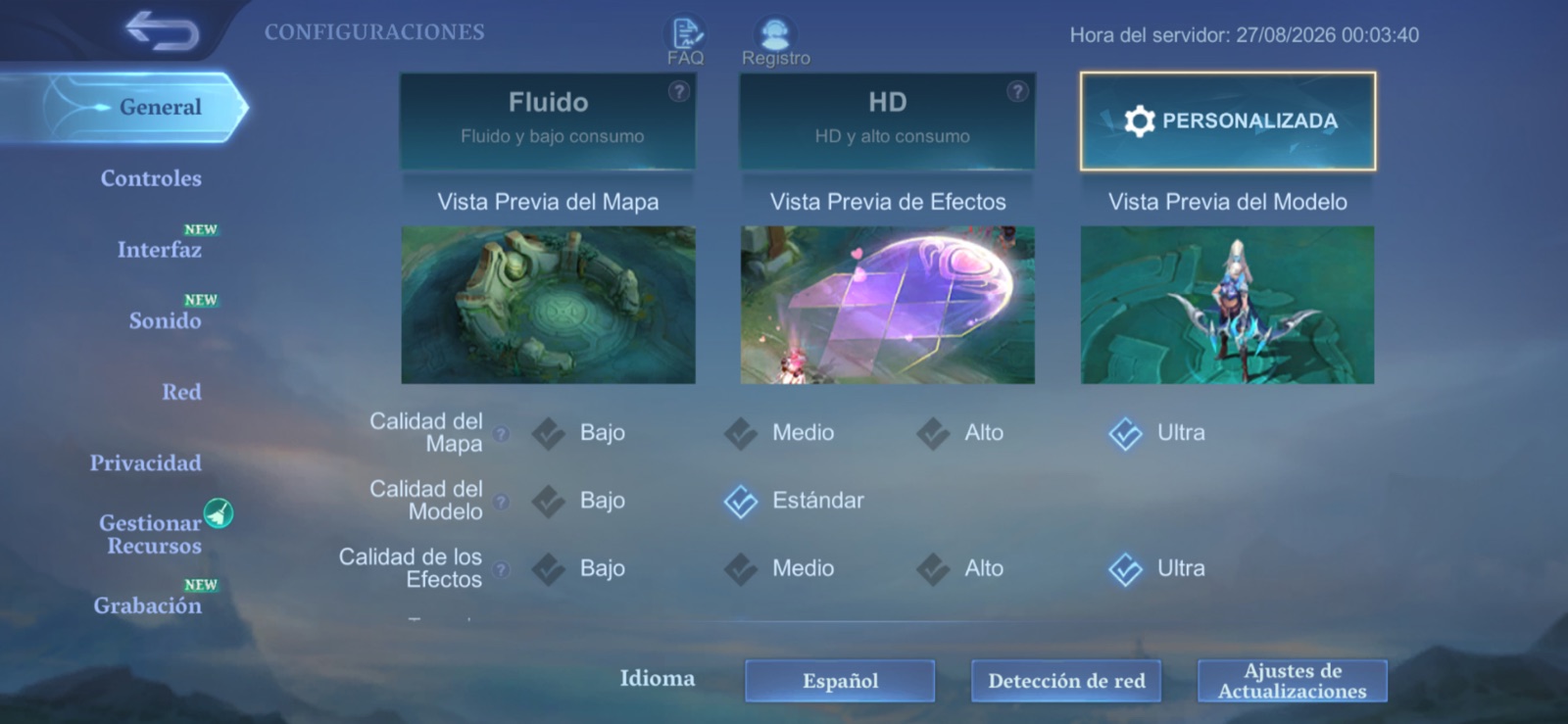
Under Settings, General you can choose Smooth, HD or Custom, the profile that separates map, model and effect quality so you can cut the load created when particles, ability zones and 10 heroes meet on screen. Start with effects and map detail.
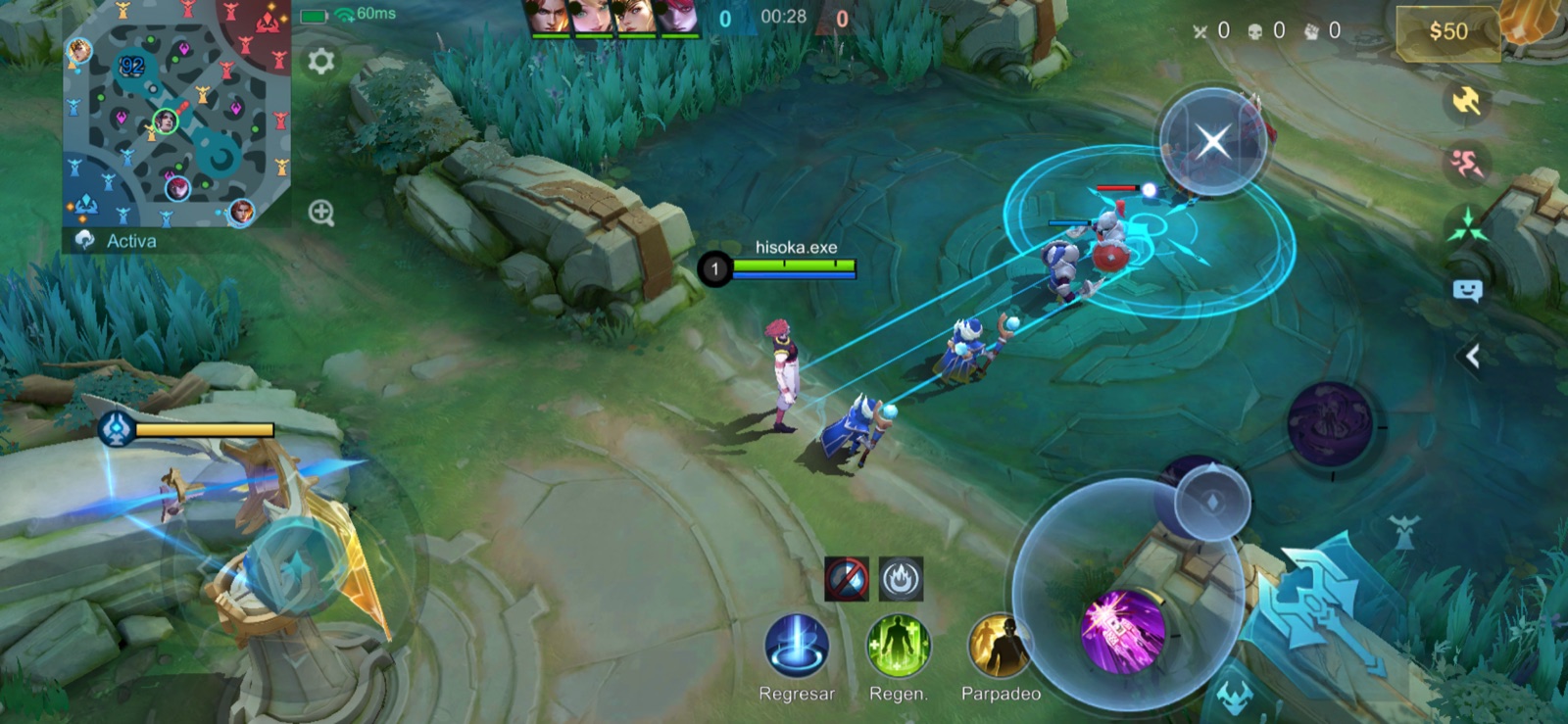
Then disable shadows, outlines, screen shake and HD mode when your device offers those switches. Keep damage text and creep health visible if you jungle, however, because that information changes when Retribution should land and our battle spell guide explains why the number decides Turtle and Lord fights.
We agree with ONE Esports journalist Jeremiah Sevilla: those cuts clear the image and preserve performance.
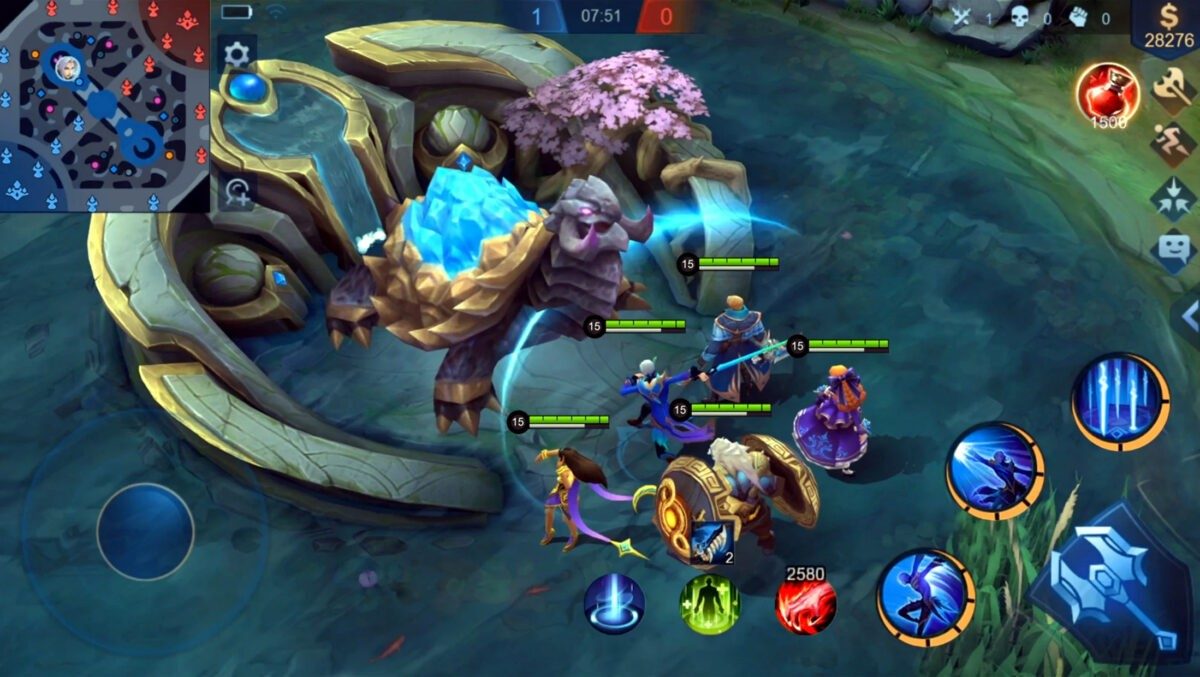
Our screenshot shows Ultra map and effects with models set to Standard, the real configuration from which we began testing. If the phone heats up, lower those two Ultra settings first and keep models at Standard, which helps you recognise who is entering the fight.
A 120Hz screen can display up to 120 FPS, but the game still has to deliver those frames and the phone must sustain them without overheating. Devices can maintain high performance only for a limited time before reducing power, which is why a stable 60 or 90 FPS feels better than repeatedly falling from 120.
The Android thermal documentation explains that limit plainly.
Take two large fights and feel the back of the phone afterwards, because if the controls begin crisp and end heavy you should lower frame rate by one step even when Ultra remains available in the menu.
Which targeting method stops attacks hitting the wrong unit
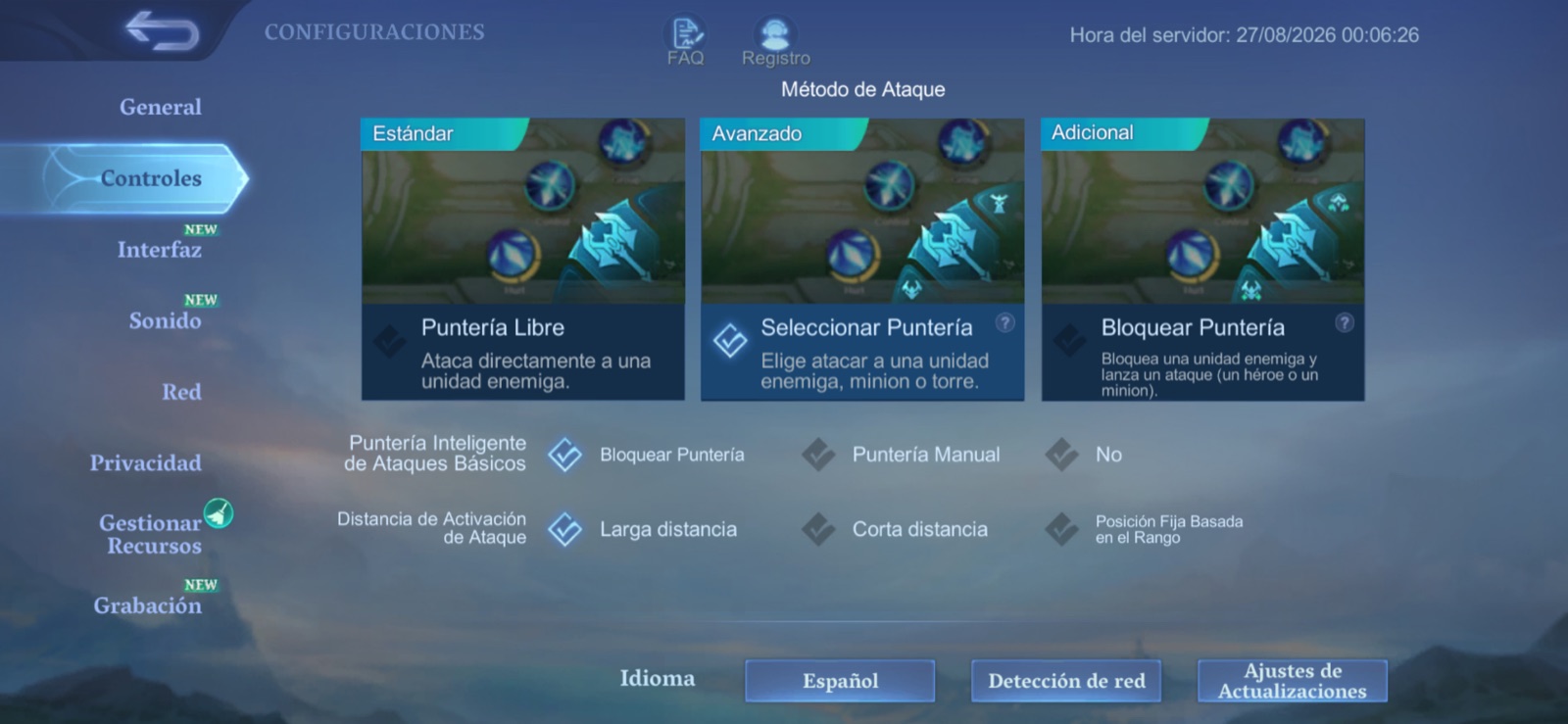
Advanced is our default recommendation under Controls because it adds separate orders for attacking a minion or turret, instead of asking one basic-attack button to solve every situation when you want to finish an enemy beneath a turret or secure a last hit without starting a fight.
Free Aim is simpler while learning and Lock-on Aim suits heroes that must keep basic attacks fixed on one victim, but Advanced offers the most useful balance across the roster, particularly once you understand what every role and lane expects.
Turn on Hero Lock if tapping portraits feels comfortable during a team fight, while Smart Targeting lets you drag the attack or skill button towards a specific unit. Do not enable every assistance option at once: learn Advanced first, then add one lock system after your fingers know where every button lives.
Patch 2.2.16 replaced Lowest HP priority with Lowest Effective HP, which considers enemy health and defenses together with your penetration. The easiest target to finish may therefore differ from the one with the smallest visible health pool. True-damage heroes retain exceptions, so test target selection in Training before relying on it.
Lower graphics cannot fix high ping
Rendering stutter and network delay can feel similar, but they need different fixes. If the hero moves smoothly while a skill responds late, watch the ping, move closer to the router, stop background downloads or test mobile data, while Network Boost can combine Wi-Fi and cellular data at the cost of using your allowance.
If the whole image loses fluidity while ping stays stable, return to graphics, and if the problem appears only after several games suspect temperature before the connection. Change one setting at a time and repeat the same Training test, because the next option should go up only after twenty minutes with a cool phone and a stable image.
The conversation starts here
Sign in with a supporter account to comment. Sign in

Nobody has commented yet. Want to go first?