
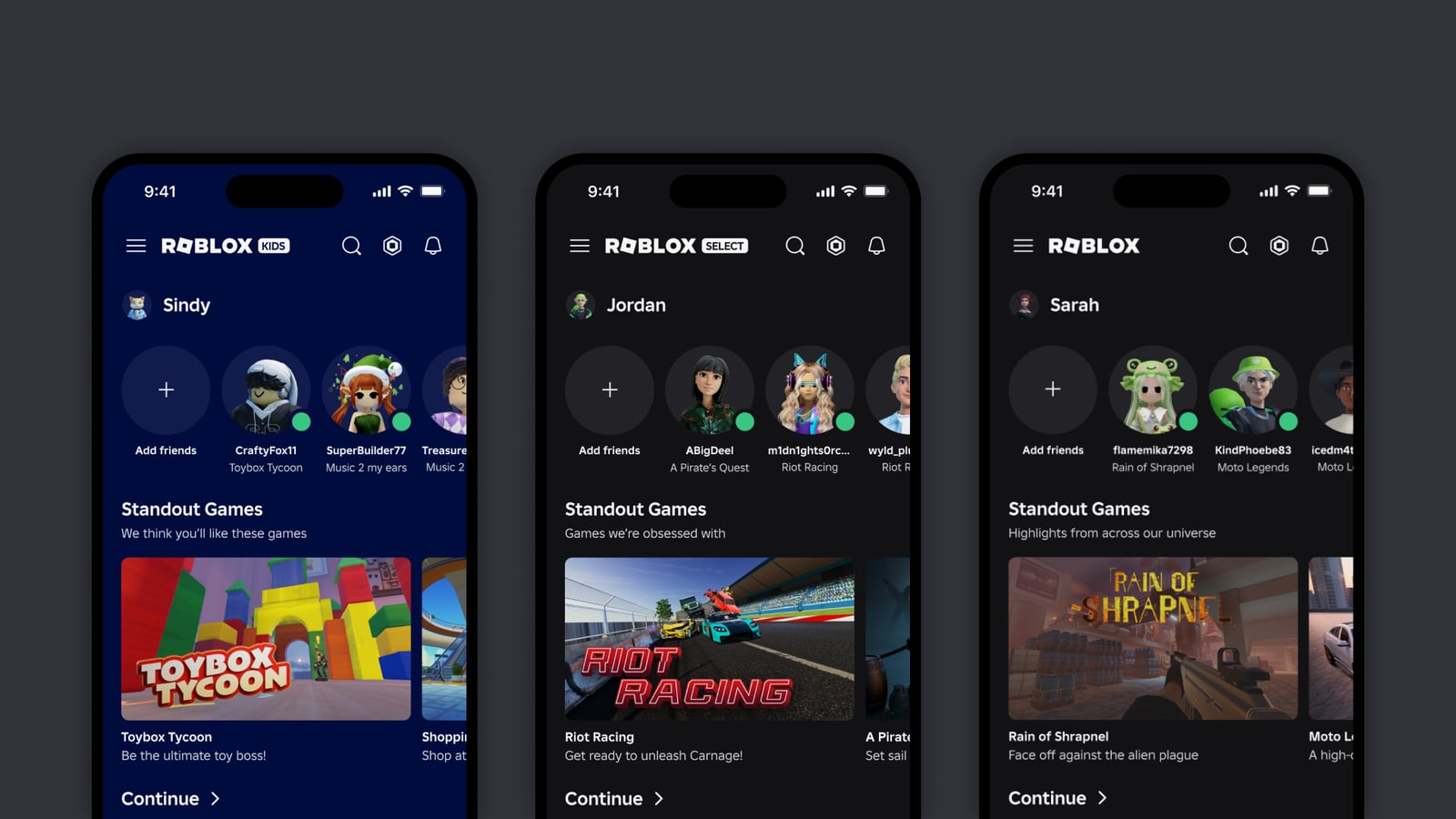
What the Roblox app contains
Roblox brings millions of experiences made by users and studios into one application. A session can begin on a racetrack, move to a dollhouse and end in a horror game. The company reported 132 million daily active users for the first quarter of 2026, in figures published in June.
The word experience separates the application from each game inside it. Roblox installs the client and downloads more data when a world opens, while the account carries friends, items and the virtual currency called Robux between them.
Our list of the best mobile multiplayer games includes alternatives with a more limited catalogue. On Roblox, parents need to review both the experiences a child opens and the people who are allowed to contact them.
How Robux and purchases work
Robux buys clothing, accessories, advantages, private servers and content across different experiences. Converting dollars into an intermediate currency makes the real price less visible, so parents should set a spending limit and agree that children ask permission before spending Robux already on the account. That family rule is not an automatic approval feature for every transaction.
Purchased items remain tied to the account, Roblox's rules and the continued availability of the experience. Our guide to what you actually own when buying digital games explains the difference between paying for access and owning a file forever.
What Kids and Select accounts do
Roblox rolled its new age-based accounts out globally in June. Roblox Kids generally covers ages 5–8, limits the catalog and disables chat by default. Roblox Select is designed for users aged 9–15 and gradually expands features according to age and verification.
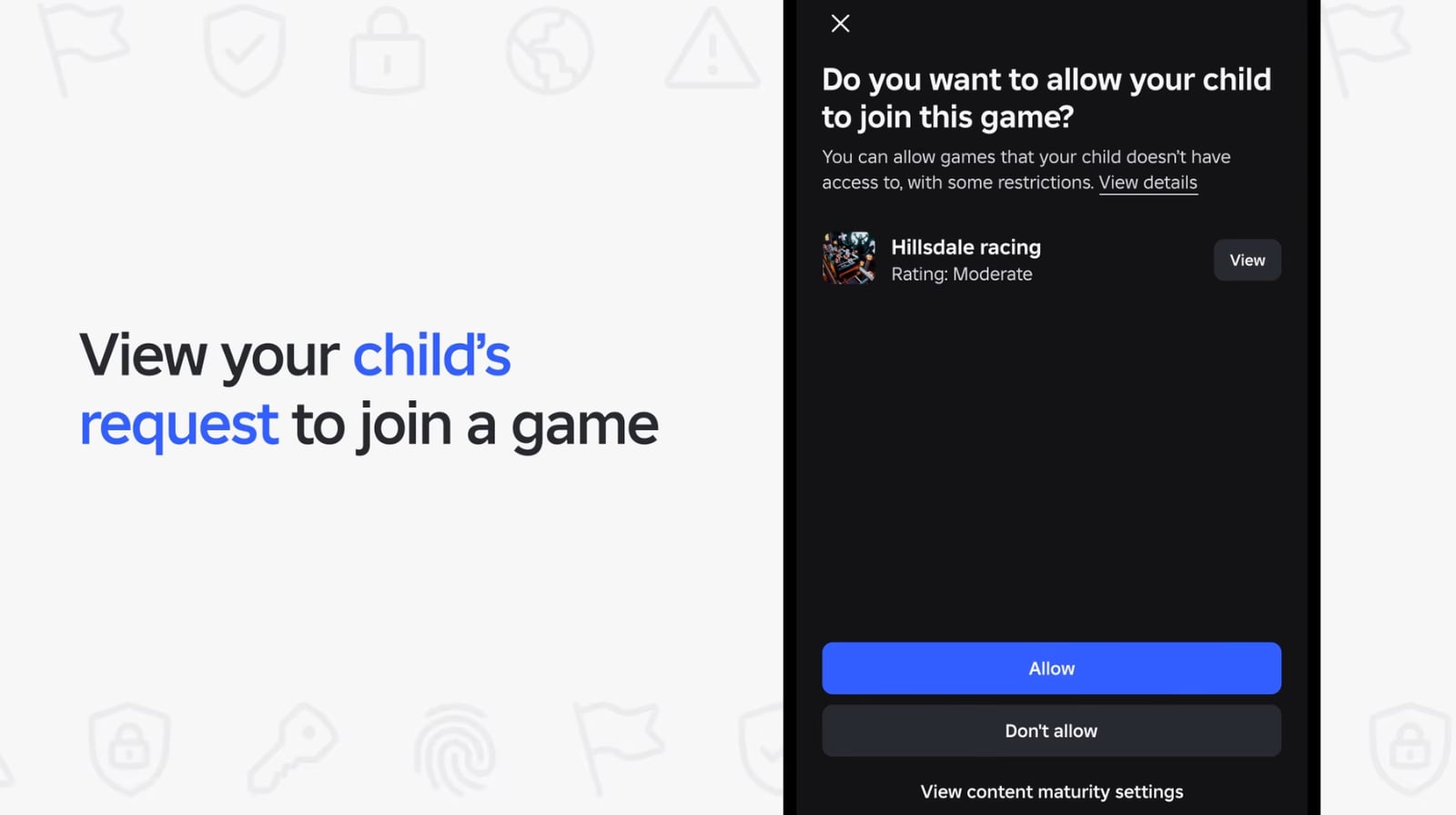
Parental controls are not identical for every minor. In the announced rollout, time and spending limits and friend management apply to under-13s. Chat and game-permission controls continue for under-16s. From 16 to 18, the tools focus mainly on visibility and notifications. Regional rules can differ.
The controls parents should configure
First link the adult account and check the verified age and controls actually available. For under-13s, set the available time and spending limits. Then review chat permissions, friends and blocked games according to age. Do not assume that another account label enables a missing control.
During the first few sessions, it is worth playing alongside the child to see which experiences they open, what they try to buy and which messages they receive. Parents can then adjust limits and chat settings around actual use instead of relying only on the age label.
The conversation starts here
Sign in with a supporter account to comment. Sign in



Nobody has commented yet. Want to go first?