

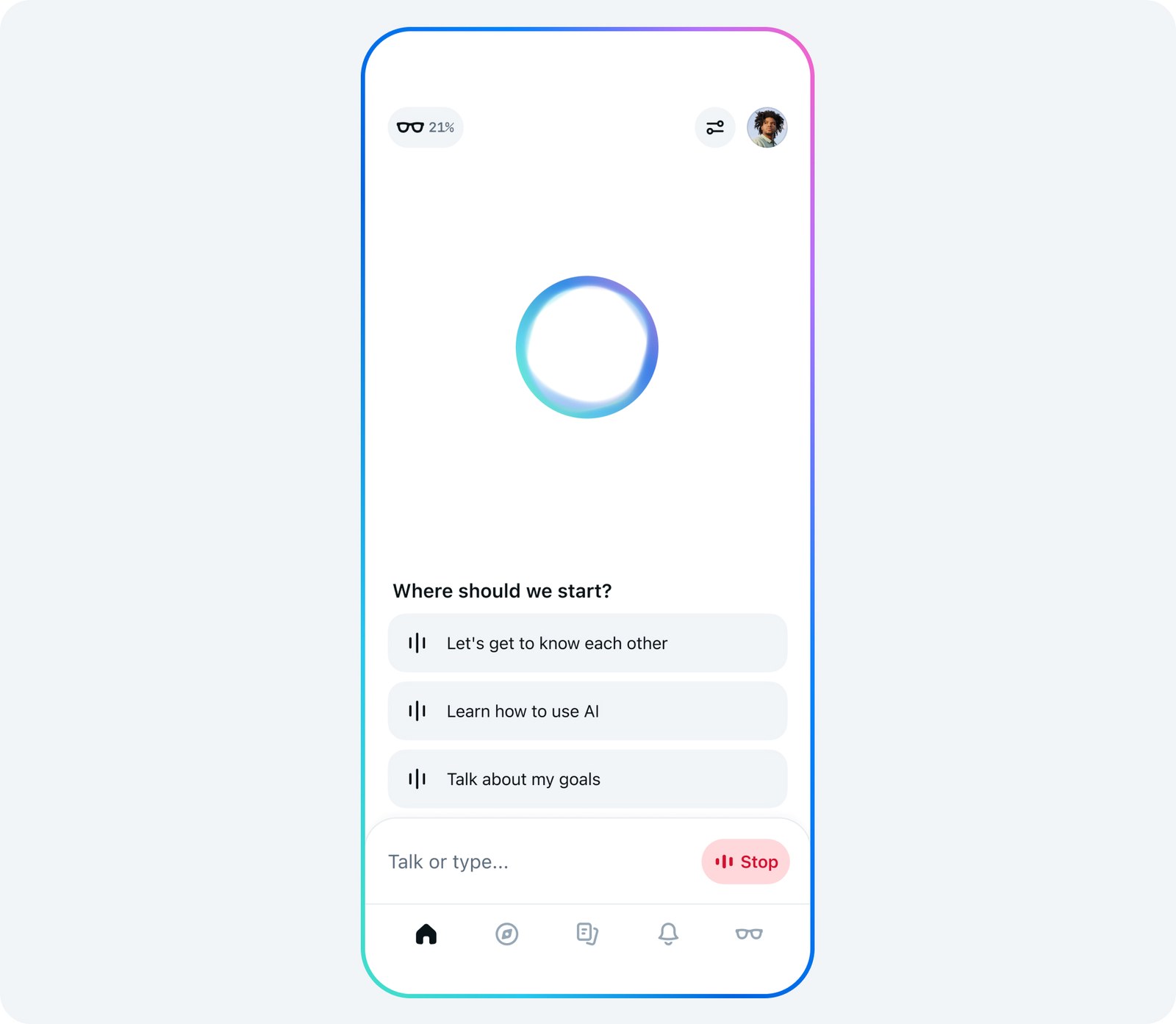
Every voice interaction your Ray-Ban Meta or Oakley Meta glasses record ends up in the Voice activity log inside the Meta AI app. To get there, tap Glasses in the top right, then Device settings, pick your glasses, scroll to Glasses privacy and open Voice activity log. That is where you can review what Meta kept and delete it.
In the US, though, you can't tell Meta to stop storing those recordings. Meta removed that option for American owners in April 2025, and its US privacy notice says recordings and transcripts are kept by default for up to a year. Deleting them by hand is the only control left.
The log is worth a look after Meta acknowledged this month that some glasses saved ordinary conversations without anyone saying "Hey Meta". Meta says the problem is fixed but hasn't said what caused it.
Where to find your voice history in the Meta AI app
Meta's help page on the voice activity log gives the same path for all of its AI glasses:
1. Open the Meta AI app and tap Glasses in the top right. 2. Tap Device settings. If you have more than one pair connected to the app, swipe left or right to the one you want first. 3. Under Glasses, tap your glasses. 4. Scroll down and tap Glasses privacy. 5. Tap Voice activity log.
Each Meta AI interaction is stored there. The owner who reported the October problem said the entries showed both the audio and a transcript, the text Meta generates from your speech so the assistant can answer.
How to delete one recording or all of them
Deletion happens in the same log. Meta's help page doesn't name the buttons, but Engadget reports you can remove entries one at a time or choose Delete all.
Meta's privacy notice says a deleted recording is no longer used to improve its products, and the data tied to that interaction, such as the clip length and the hardware version of your glasses, goes with it.
If you want a copy, make it first. The Download your information tool, available in the Meta AI app and on the web, exports stored transcripts, audio and details like your glasses' serial number. That is how you keep evidence of a recording you never asked for before you wipe it.
Can you turn off voice recording storage?
Not in the US. On April 29, 2025, Meta emailed owners that the option to disable voice recording storage was gone, as TechCrunch reported at the time. A review of the regional notices by VR.org found the US version still offers no storage switch for Ray-Ban Meta or Oakley Meta. Canada and Australia use the same wording.
The UK, Ireland, Germany and Spain are different. Their notices let owners decline storage, in which case Meta deletes each recording right after processing it and Meta AI keeps working. If you live in the US, regular deletion is the closest substitute.
How to turn off Respond without "Hey Meta"
This feature is on by default. It keeps the microphone open for a short while after each request so you can ask a follow-up without the wake word, and the glasses record and process whatever you say during that window. To switch it off, per Meta's help center:
1. In the Meta AI app, go to Glasses > Device settings and tap your glasses. 2. Tap Meta AI. 3. Tap "Hey Meta" preferences. 4. Turn off the toggle next to Respond without "Hey Meta".
The same screen has a "Hey Meta" toggle that stops the glasses listening for the wake word altogether. With it off, Meta AI only responds when you press and hold the touchpad on the arm, provided the app is set up to use the touchpad that way.
What each light on the glasses tells you
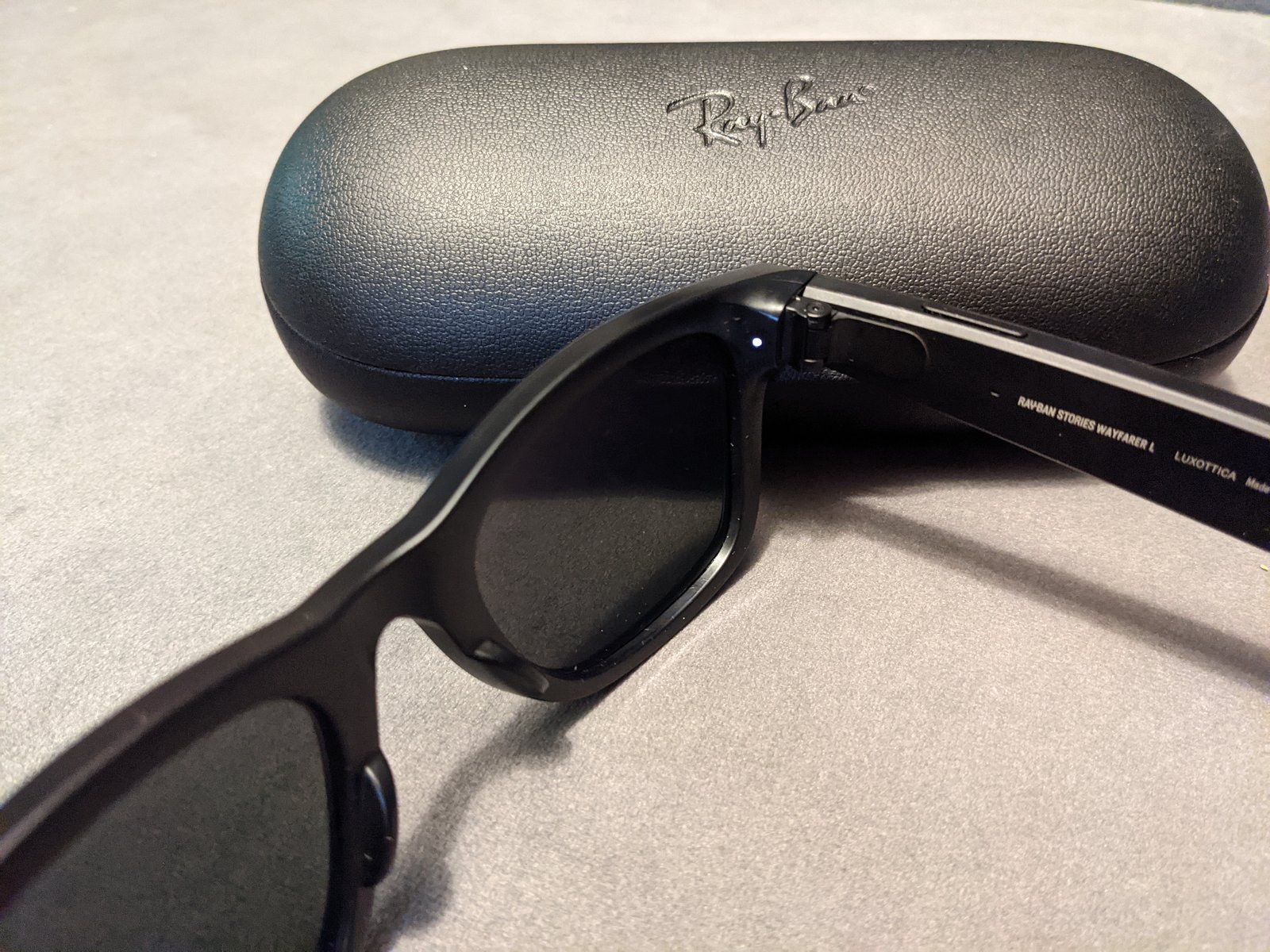
There are two lights, and they do different jobs. The capture LED is the white light on the front that other people see. It blinks briefly when you take a photo for your gallery and keeps blinking while you record video. If the glasses detect that it has been covered or tampered with, they disable the camera, according to Meta's privacy page.
The capture LED says nothing about the microphones. When you talk to Meta AI, the signal is the notification LED, which blinks white when a voice command is recognized and shows when the glasses are processing your audio. The capture LED also stays off when Meta AI uses the camera to describe what you're looking at, except on the first-generation Ray-Ban Meta from 2023, according to Meta's bystander privacy document.
How long Meta keeps your recordings
Meta keeps stored voice recordings for up to a year to improve its products, including ones captured when the assistant wakes up by mistake. When its systems flag one of those as a "false wake," Meta deletes it within 90 days of detection.
While a recording is stored, Meta can process it with machine learning and with trained human reviewers, who check things like whether the glasses actually took the photo you asked for. Reviewers hear the audio with the pitch altered. Deleting a recording before the year is up takes it out of that pipeline.
Chats you type to Meta AI fall under separate rules. We cover Meta's training policy alongside the other big assistants in our guide to stopping ChatGPT, Gemini and Claude from training on your chats.
What to do if you think your glasses recorded you without asking
1. Open the Voice activity log and look for entries from moments when you weren't talking to Meta AI. 2. If you want to keep them as evidence, run Download your information first. Then delete them. 3. Turn off Respond without "Hey Meta" and, if you rarely use voice commands, the "Hey Meta" toggle too, so the glasses stop listening for requests. 4. If it happens again, contact Meta support through the Get support button in its help center and include the date and time of each entry.
For places where you don't want to take any chances, like a doctor's office or a locker room, Meta suggests sliding the power switch off. The frames then work as ordinary glasses.
The conversation starts here
Sign in with a supporter account to comment. Sign in

Nobody has commented yet. Want to go first?