Until now, the job ended at the password screen
ChatGPT Work could research, compare products and fill in forms on public pages, but a sign-in screen stopped it. That was a serious limitation: much of the useful work people want to delegate sits inside email, sales dashboards, project tools and supplier accounts.
OpenAI has now removed that barrier. When a task reaches a login, Work pauses its remote browser and asks the user to take control. You enter the username, password and any verification code, then hand the browser back so the agent can continue from the authenticated page.
The important distinction is who sees the credentials. OpenAI says screenshots stop while the user controls the browser, so passwords do not need to appear in chat or in a captured frame. The agent gets the open door, not the keys used to unlock it.
The second task can begin with the account already open
The feature would be far less useful if users had to repeat the takeover every time. Cookies persist in the remote browser across sessions, much as they do in Chrome or Safari. Sign into a dashboard today and Work may still find the account open when you return with another task tomorrow.
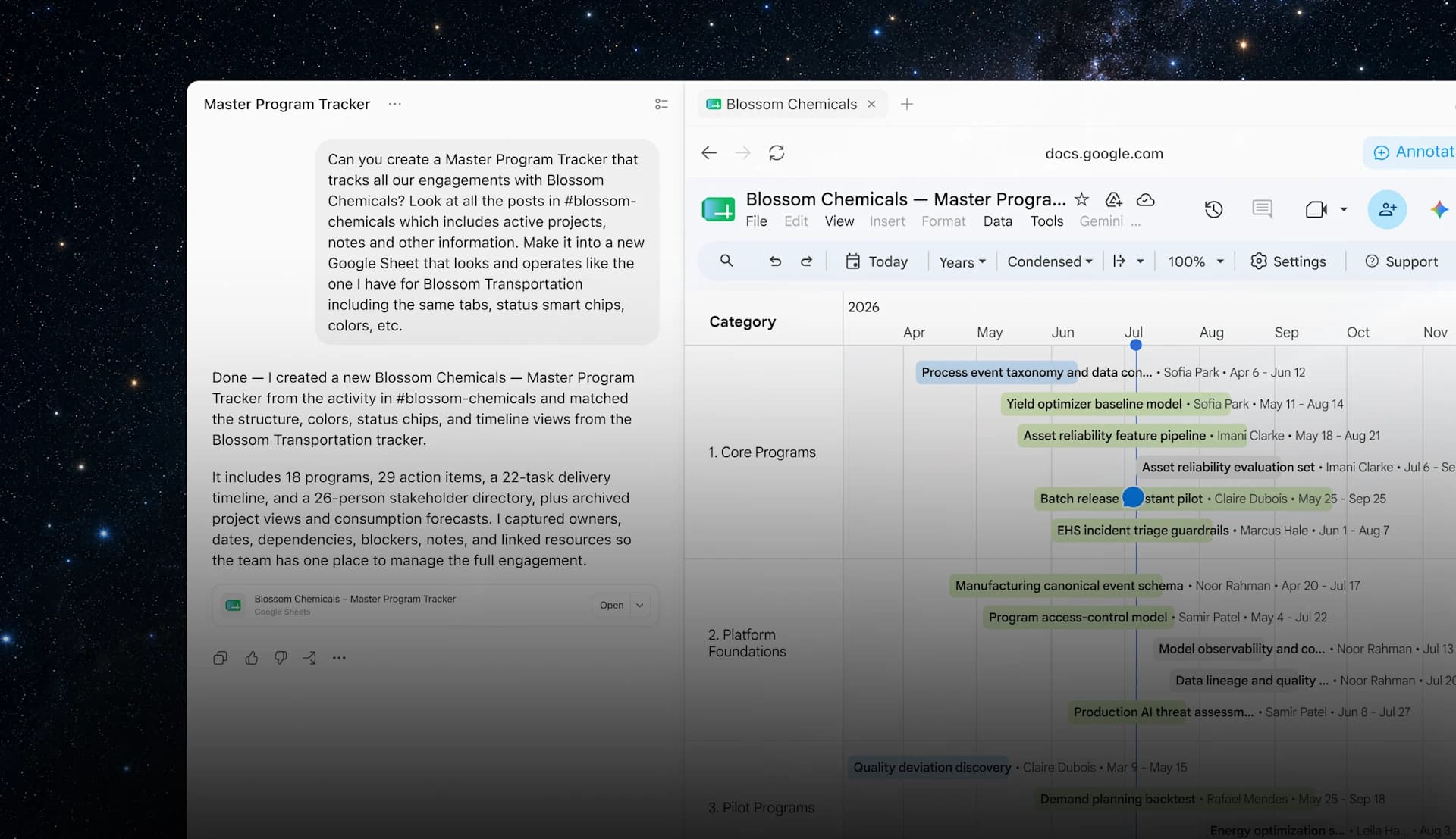
That makes the cloud browser feel more like the agent's own workstation. It could inspect a private catalog, download a report or update a tool that has no dedicated ChatGPT integration. Work tasks can also keep running in the cloud, without relying on the user's computer remaining awake.
Work is rolling out across paid plans other than Free and Go, although availability can vary by region and managed workspace. OpenAI has not added payments to this announcement. Access to an authenticated account should not be read as permission to complete any purchase or transaction.
A saved session is also a door left open
The trade-off is straightforward: the session remains active inside a browser hosted by OpenAI. It may not retain the password itself, but an authentication cookie can still grant access while it remains valid. That matters when an account contains personal data, internal documents or permission to publish and change information.
A page may also try to manipulate the agent with hidden or malicious instructions. OpenAI uses confirmations for consequential actions and defenses against prompt injection, but says those safeguards do not remove every risk. Its own guidance warns against broad instructions such as asking the agent to enter an inbox and handle everything.
A safer approach is to authorize only the sites required for the task, define exactly what the agent may do and inspect any action that is difficult to reverse. For especially sensitive accounts, sign out when the job is complete. Saved logins and cookies can be removed through ChatGPT's data controls.
Work can finally reach the part of the web where work happens
Web agents looked impressive in demonstrations and much less useful when they hit the first private page. This update does not make the model smarter or the browser faster. It lets the agent reach the point where browsing turns into an actual deliverable.
OpenAI still offers two distinct routes. The browser built into the desktop app runs locally and lets users watch closely; the cloud browser operates remotely and can continue after they leave the conversation. Persistent logins make the second option far more capable, but it should be treated for what it is: another browser where your accounts may remain open.
The next time Work reaches a password screen, the assignment no longer has to end. You take the browser for a moment, complete the sign-in and give it back. That small handoff is what separates an agent that merely visits the web from one that can work inside it.
The conversation starts here
Sign in with a supporter account to comment. Sign in

Nobody has commented yet. Want to go first?