

One headline covers several products
Google’s claim of support for more than 300 languages sounds like excellent news for your next trip. It is not, however, a promise of 300 downloadable offline language packs. The company’s September 15 update counts coverage across its technologies and products, rather than one app with identical features in every language.
That distinction matters before you rely on a phone abroad. Speech recognition, camera translation and translating typed text without internet access are separate capabilities. A combined language count does not tell you which of them will work for you.
TranslateGemma is a model family, not an app update
One part of Google’s overview is TranslateGemma. The company introduced it on January 15, 2026, so this is not a new September release. Its evaluated coverage focuses on 55 languages, with several model sizes intended for different hardware.
The model card describes downloadable models for use with compatible software, under their terms of use. They take text or images as input and produce translated text. Downloading one is not the same as installing Google Translate, and local availability does not mean every phone will run it comfortably.
Local deployment can avoid sending each passage to a remote server. It still requires the model, software to run it and suitable hardware. Our guide to local versus cloud AI explains the practical trade-offs.
Test the feature you actually need
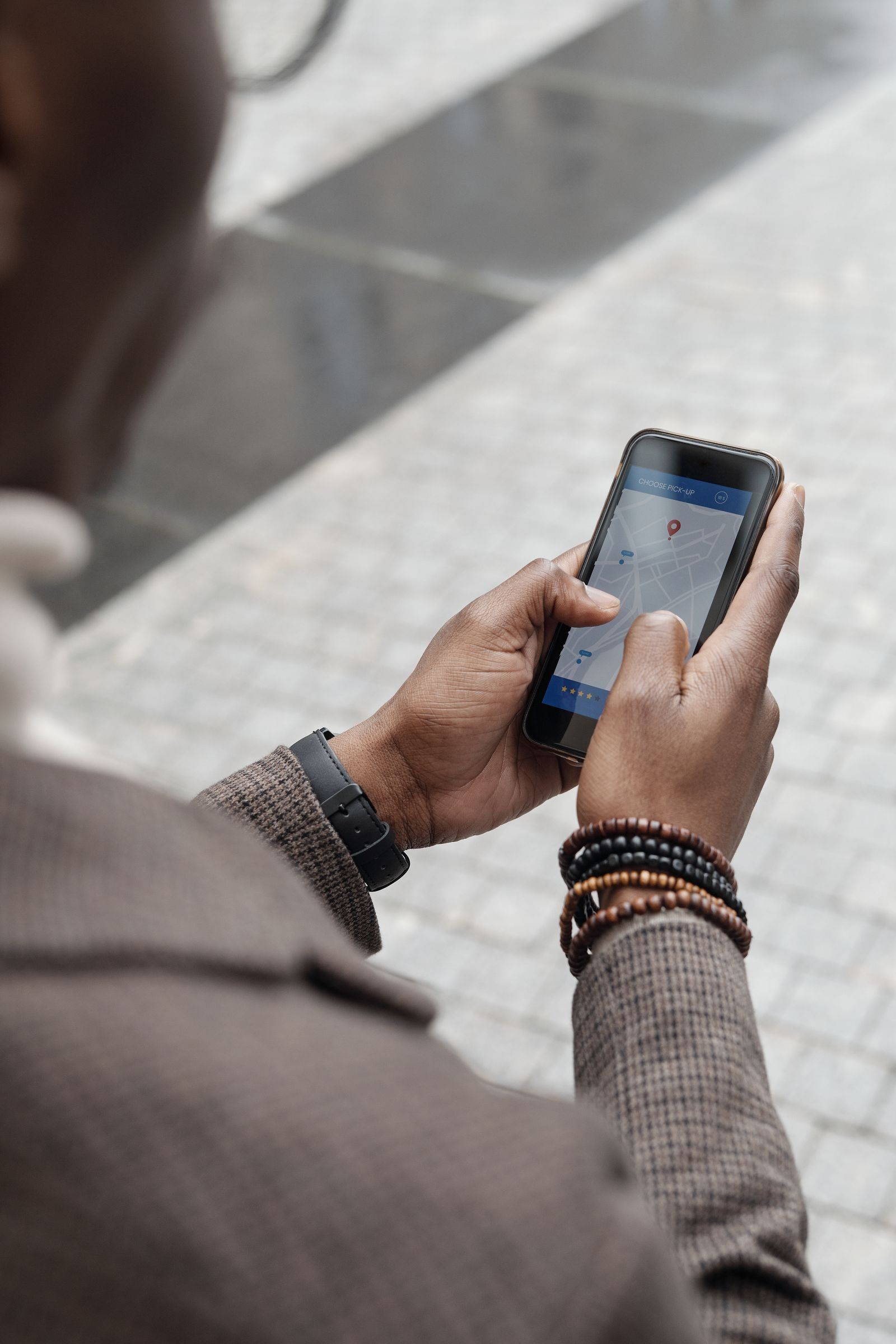
For a trip, start with your chosen app rather than the headline number. Check whether your language is available to download and complete the download. Then switch off mobile data and Wi-Fi and try the feature you expect to use. Successfully translating a typed sentence does not establish that voice conversations or camera translation work offline too.
If you are setting up a local model, check its speed and memory use on your own device. AI quantization can lower memory requirements, with potential quality trade-offs. A successful download alone tells you very little about whether the setup is pleasant to use.

Availability is only the first check
Broader language coverage matters, particularly for languages poorly served by digital tools. Our caution is about the conclusion drawn from it. A fluent translation can still lose a qualification, a negative or a local expression. Important instructions deserve a check by someone who understands both languages.
For an offline translator, the useful question remains narrow: does this feature work in this language, on this device, without a connection? Google’s combined total cannot answer that for you.
The conversation starts here
Sign in with a supporter account to comment. Sign in


Nobody has commented yet. Want to go first?