
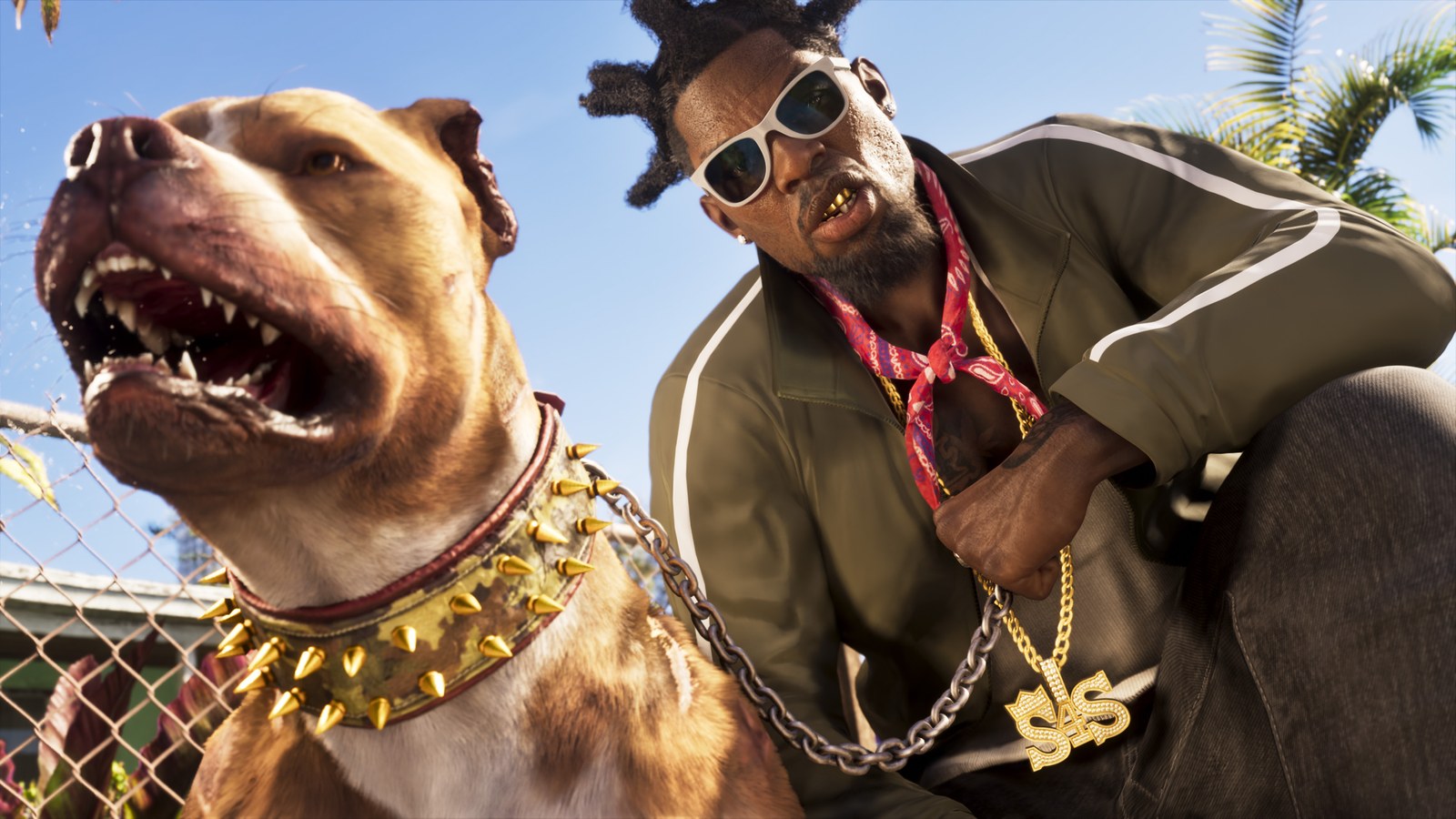
Rockstar released the first post-launch update for Grand Theft Auto VI on Monday, November 23, four days after the game came out. On PS5 and PS5 Pro it's version 01.002.002, a download of about 604MB. On Xbox Series X|S it shows up as 1.0.2.2 and weighs in at around 1.6GB, according to GTABase.
Rockstar's patch notes, posted on its support site, list seven fixes, including several crashes, broken autosaves and phone calls that never came through, some of which you need to move the story forward. There's no new content and no performance change. It's also the first update to come with notes at all. The two that arrived before launch, on November 13 and 16, shipped without a word of explanation, according to gaming press reports.
What the patch notes fix
Rockstar gives each fix a single line and doesn't name missions or go into detail. Here's the full list:
- Several issues that caused the game to crash.
- Weather that could stay the same for long stretches.
- Autosaves that weren't saving correctly.
- Phone calls that didn't trigger, including some that advance the story or unlock missions.
- Wanted levels you couldn't shake.
- The gym's deadlift bar, which couldn't be used.
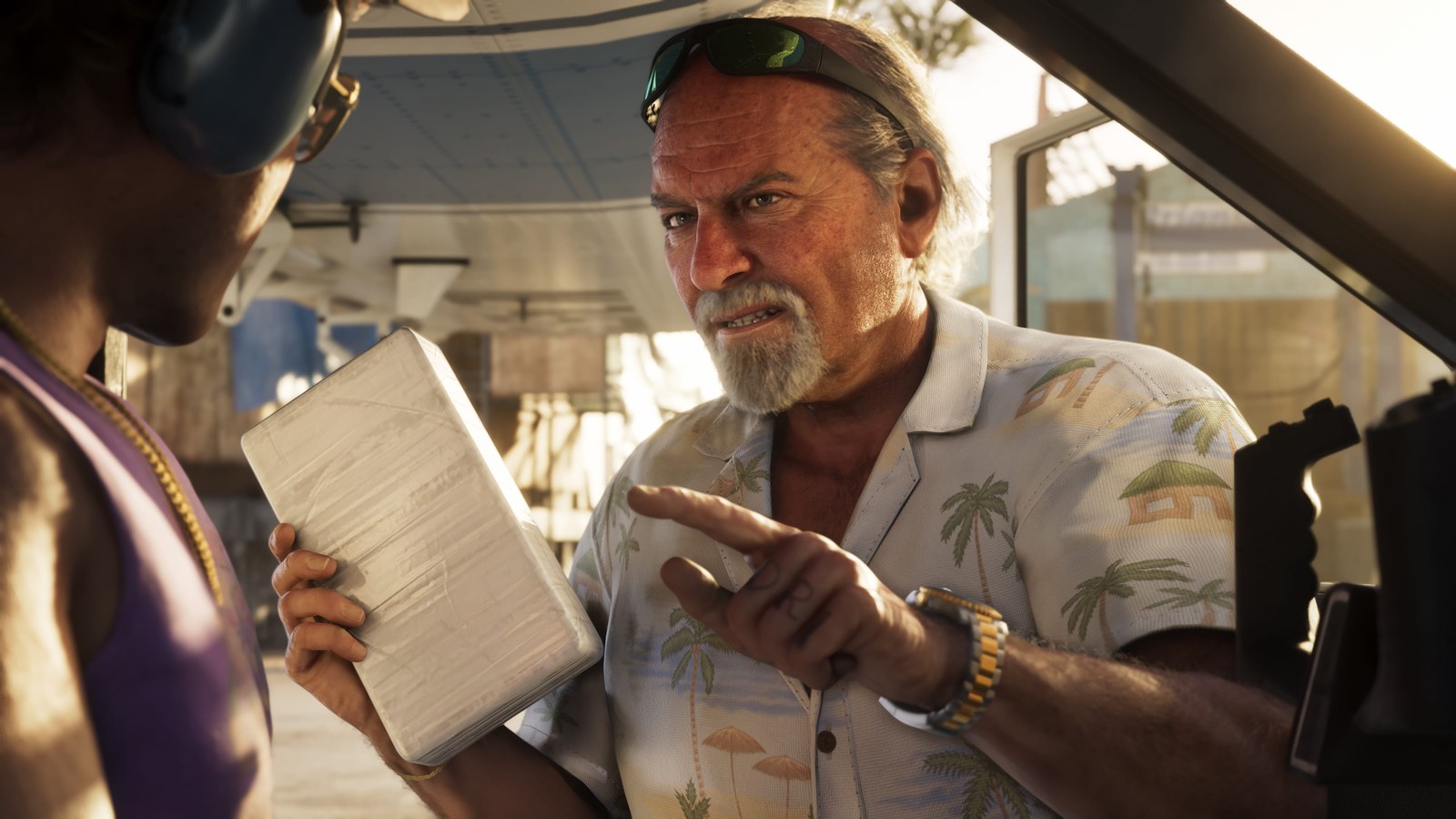
- Partners not handing over bags so you could sell them to fences, the game's buyers of stolen goods.
If your story stalled waiting for a call
Some missions in GTA VI only open up once a character calls your phone. If that call never came, the story just stopped, with nothing on screen to tell you why. Rockstar says that's fixed, but it hasn't said which missions were affected or whether calls you've already missed will come through after you update. Player.One flagged the same open questions.
If you were stuck, install the patch and load your latest save. If the call still doesn't come, file a ticket with Rockstar Support and include your console, your game version and the mission you were stuck on.
The autosave fix comes with a similar catch. The notes don't say it brings back progress lost before the update, and Rockstar still hasn't explained when the game saves on its own. Until it does, save manually before you turn the console off.
What the patch leaves alone
The notes mention "several" crash fixes without saying which. They don't say whether that covers error CE-108255-1, the code some PS5 players have seen since launch when the game crashes, or the repeated crashes on Xbox Series X. If the game still crashes for you after updating, the steps in our GTA 6 errors guide still apply.
Performance hasn't changed either. The game still runs at 30 frames per second with no graphics modes, PS5 Pro included, as we explained in GTA 6 on PS5 Pro vs. PS5.
If what you really want is weather on demand, the Cycle Weather cheat does that, though you only unlock it after finishing the story, as our GTA 6 cheats guide explains.
How to get the update on PS5
On PS5 the update rolled out in waves over about six hours on November 23, according to PlayStation Game Size data cited by AppleScoop, so every PS5 should be able to get it by now. If yours hasn't downloaded it, force it:
- On the home screen, highlight GTA VI without launching it.
- Press the Options button and choose Check for Update.
- To confirm you have it, press Options again and open Information. The version should read 01.002.002.
How to get the update on Xbox Series X|S
On Xbox the update reached every console at once, according to WindowsForum. The version you want is 1.0.2.2.
- If the game is suspended in Quick Resume, close it first. Press the Xbox button, highlight GTA VI, press the Menu button and choose Quit.
- Go to My games & apps > See all > Manage > Updates.
- Select GTA VI, or choose Update all.
The conversation starts here
Sign in with a supporter account to comment. Sign in
Nobody has commented yet. Want to go first?